Fine Line & Minimalist
Use thin outlines and a small number of details for florals, constellations or quiet symbols. A minimalist mountain or wave can express one clear idea without filling every part of the canvas.
Describe the tattoo you want, or choose an example below. Get a new design you can download and show your artist.
Describe your idea. We’ll turn it into tattoo artwork.
A subject and a few details are enough.
Your new artwork will appear in My designs. Generation uses the credits shown above.
Create a concept here. Refine the final stencil with your tattoo artist.
Click a design to fill in its description and style. Edit it, then generate your own tattoo.
Example artwork for inspiration. Generating creates a new design; it may look different from the example.
Describe your idea in plain words and the AI tattoo design generator turns it into custom artwork. Start with a subject, choose a visual style and compare a few versions before deciding what feels right.
A tattoo design creator helps when you have a feeling or a story in mind, but no drawing yet. Instead of searching through finished flash, you can explore a new composition shaped by your own description.
Think of each result as the sketchbook you bring to a consultation. Your artist can refine the line weight, size and placement to make the design work for the tattoo you want.
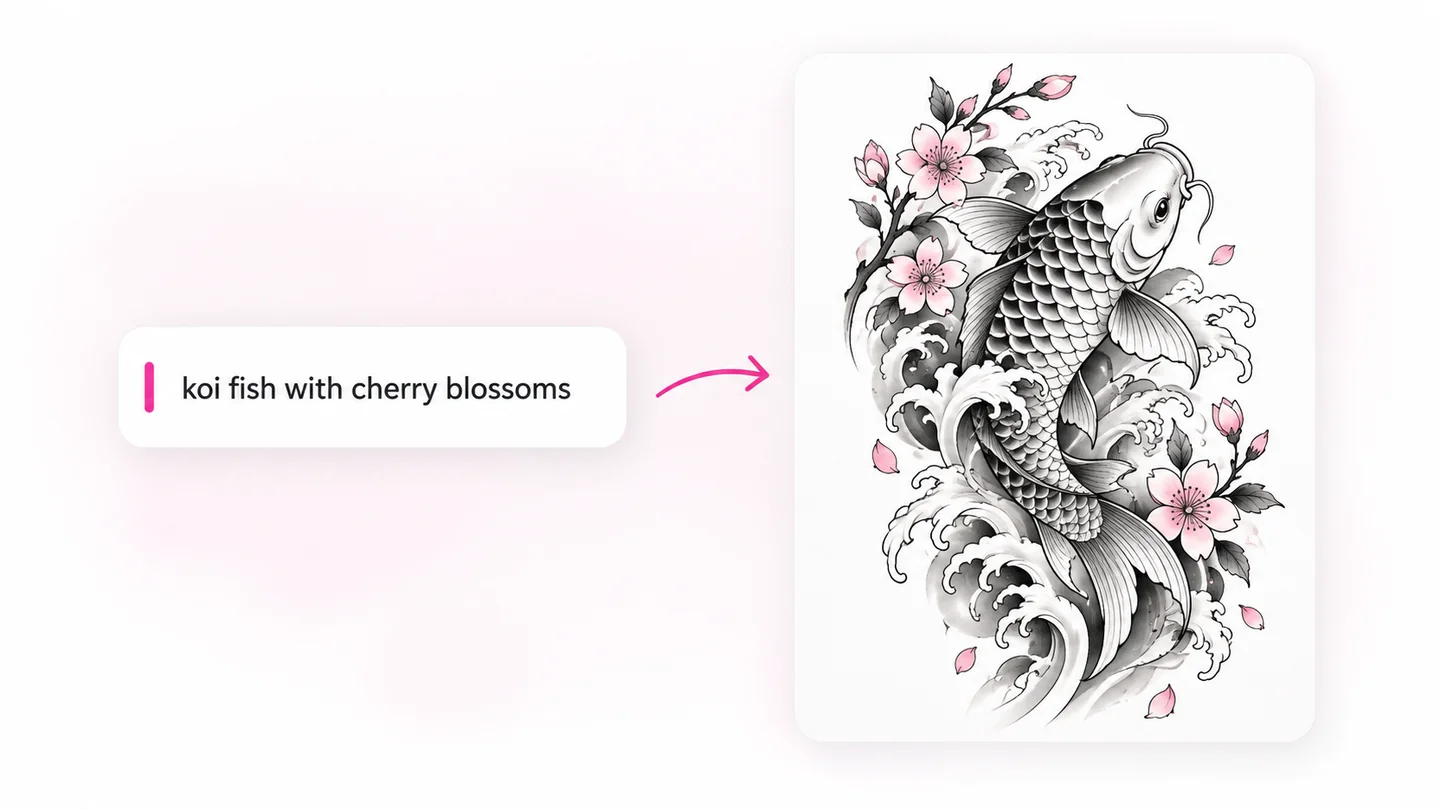
You can approach the same idea in different ways. A bird might become a delicate fine line drawing, a bold blackwork silhouette or a geometric composition. The inspiration gallery above gives you a starting point you can change.
Use thin outlines and a small number of details for florals, constellations or quiet symbols. A minimalist mountain or wave can express one clear idea without filling every part of the canvas.
Explore koi, waves, peonies and flowing compositions with bold outlines and layered shading. Mention a long or curved layout if you are planning a forearm, back or sleeve concept.
Ask for original abstract curves, strong silhouettes and deliberate negative space. Use references respectfully and discuss any culturally specific motifs with an artist who understands their context.
Try symmetry, radial shapes and dotwork for a mandala, or bold flash motifs such as swallows, daggers and roses. Describe whether you want a round, narrow or open composition.
You do not need drawing skills to explore an idea. A few words and a visual starting point can make the next conversation with your artist more specific.
If you know the feeling you want but not the image, describe the subject and mood. Comparing rough concepts makes it easier to explain what you like and what you want to change.
Explore complementary subjects such as a sun and a moon, or two variations of one symbol. Compare the artwork side by side before choosing a shared direction.
Turn a client’s description into a visual conversation starter. Use AI generated tattoo designs to discuss composition, then redraw and refine the chosen idea using your own judgment.
Explore a theme such as ocean life, botanicals or Japanese folklore before planning a sleeve. Ask for consistent linework and visual flow, then work with your artist on the complete layout.
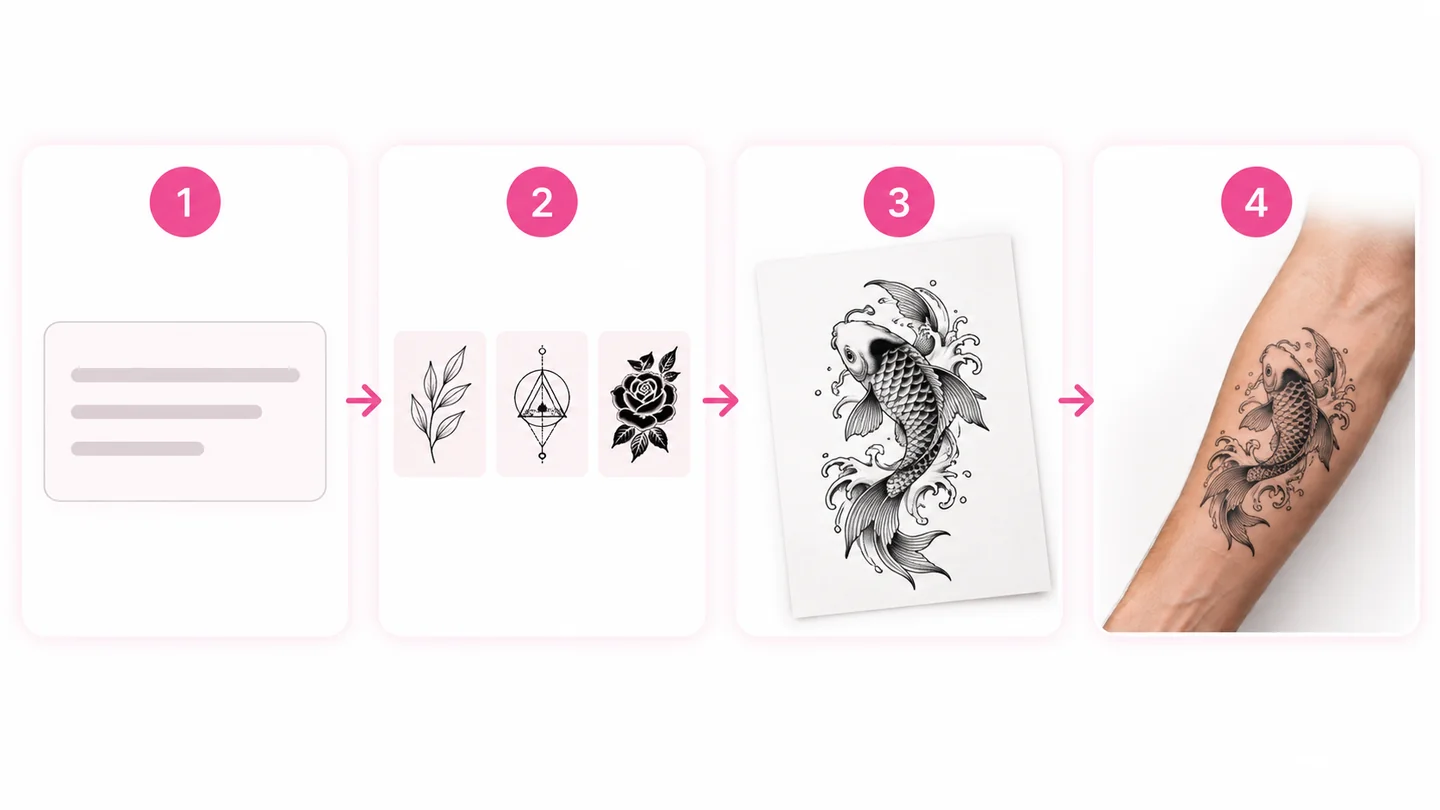
Name the main subject and one or two details. For example: a small koi fish swimming in a circle with cherry blossoms. You can also select a gallery card to start with its prompt.
Pick a tattoo style, a black and grey or color palette, and a square, portrait or landscape canvas. Select the output quality and check the credit cost before generating.
Open My designs to follow the task and compare your designs. Change one detail at a time, such as thinner lines or less shading, to give the next version a clearer direction.
Click Try it on beside your favorite result to bring the design into the AI tattoo generator. Upload a photo of the body area to preview it, or download the artwork to discuss with your artist.
A useful prompt gives the AI tattoo maker a clear subject and a visual direction. Keep the request focused; a long list of unrelated ideas can make the composition harder to read.
A design on a white canvas still needs to work on a real body. Use these early concepts to discuss the details with your artist, rather than treating an AI drawing as a finished stencil.
Size: Small pieces benefit from a clear silhouette and fewer crowded details. Ask your artist how much room the linework needs.
Placement: Long compositions can help you explore a forearm or shin idea; circular artwork gives you a different starting point for a shoulder or calf.
Flow: Your artist can adjust the drawing around the body’s curves and the way the area moves. Bring both the artwork and a preview to make that conversation easier.
See size and placement with the try-on tool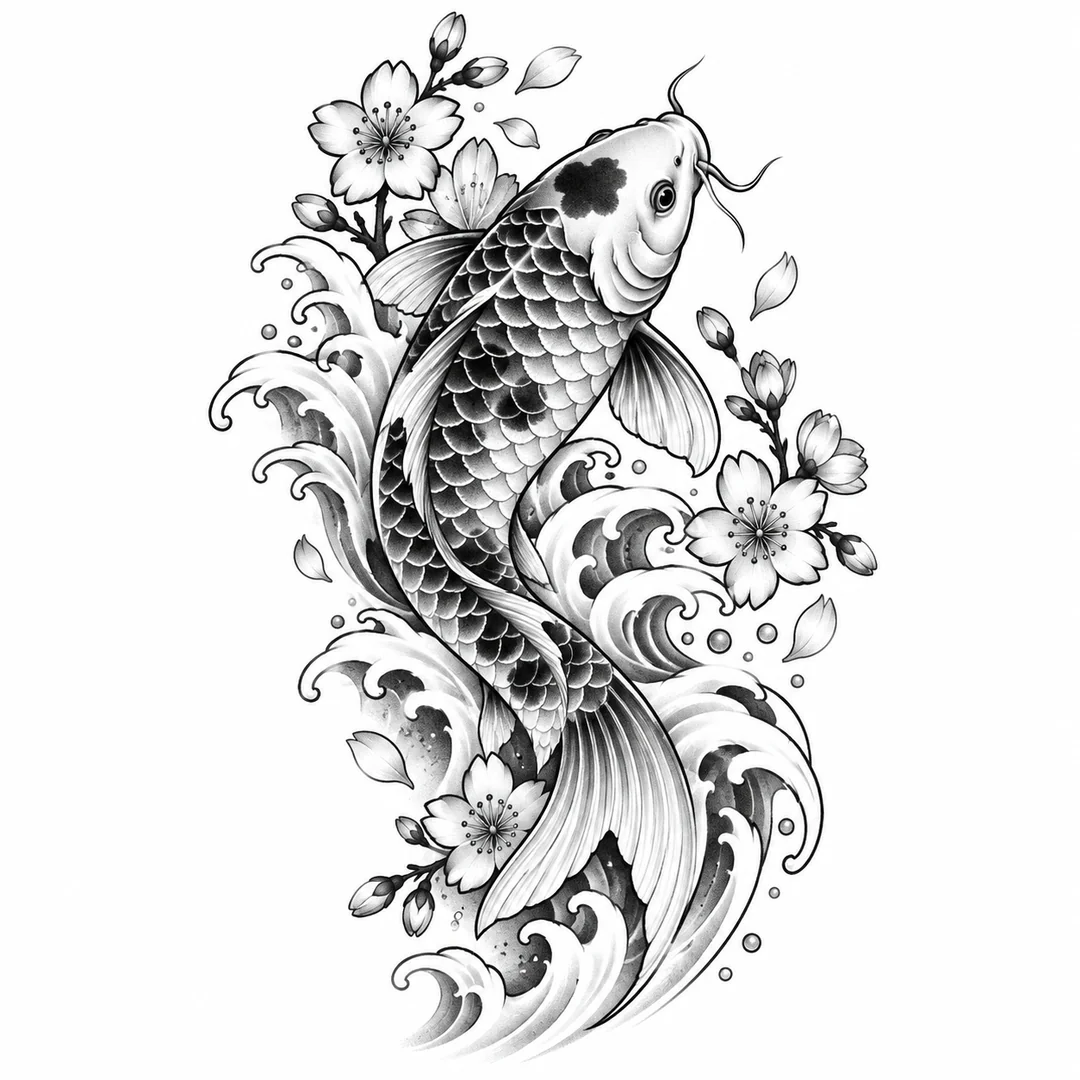
Choose from the same Tryonr plans and credit packs. Your selected quality sets the cost of each design.
Your description and settings are saved. After checkout, you’ll return here to continue your design.
Every paid option supports commercial use and has no visible Tryonr platform watermark by default. Starter can use image and video tools; advanced video models typically use more credits, so Creator or Pro is recommended.
Perfect for trying out
Includes
For regular users
Includes
Best value for power users
Includes
For high-volume needs
Includes


First subscription purchases may be refundable within 3 days if no more than 30% of included credits are used. View Refund Policy
Start with a clear subject and one style. Generate a few options, then change one detail at a time. Save your favorites and compare them before deciding.
Generation uses Tryonr credits. The cost for your selected output quality is shown before you generate, along with your balance when you are signed in.
Use it as a visual reference. Bring the design to a professional tattoo artist, who can adapt the line weight, size and placement before making a final stencil.
Choose Fine Line, Japanese, Tribal, Minimalist, Geometric, Mandala, Blackwork or Traditional. You can also describe a different style in your prompt.
This page creates standalone artwork from words. The AI tattoo generator previews a design on a body photo. Click Try it on beside a completed design to bring it into the try-on tool, then upload your body photo.
You can request short words, but AI may misspell lettering. Check every letter and ask your artist to refine names or quotes before using them.
Yes. Choose an example, edit your idea and generate in your mobile browser. No app download is required.
Usage rights follow your plan and the Tryonr Terms of Service. Review the terms and any rights associated with your subject before commercial use.
This studio starts from a text description. Describe the subject and visual details in words. For an existing design you want to preview on your body, use the AI tattoo generator.
You can generate as many designs as your available credits allow, with up to four running in this studio at a time. Each new generation uses the displayed credit cost.
Start with a thought. Find your favorite version. See where it belongs.