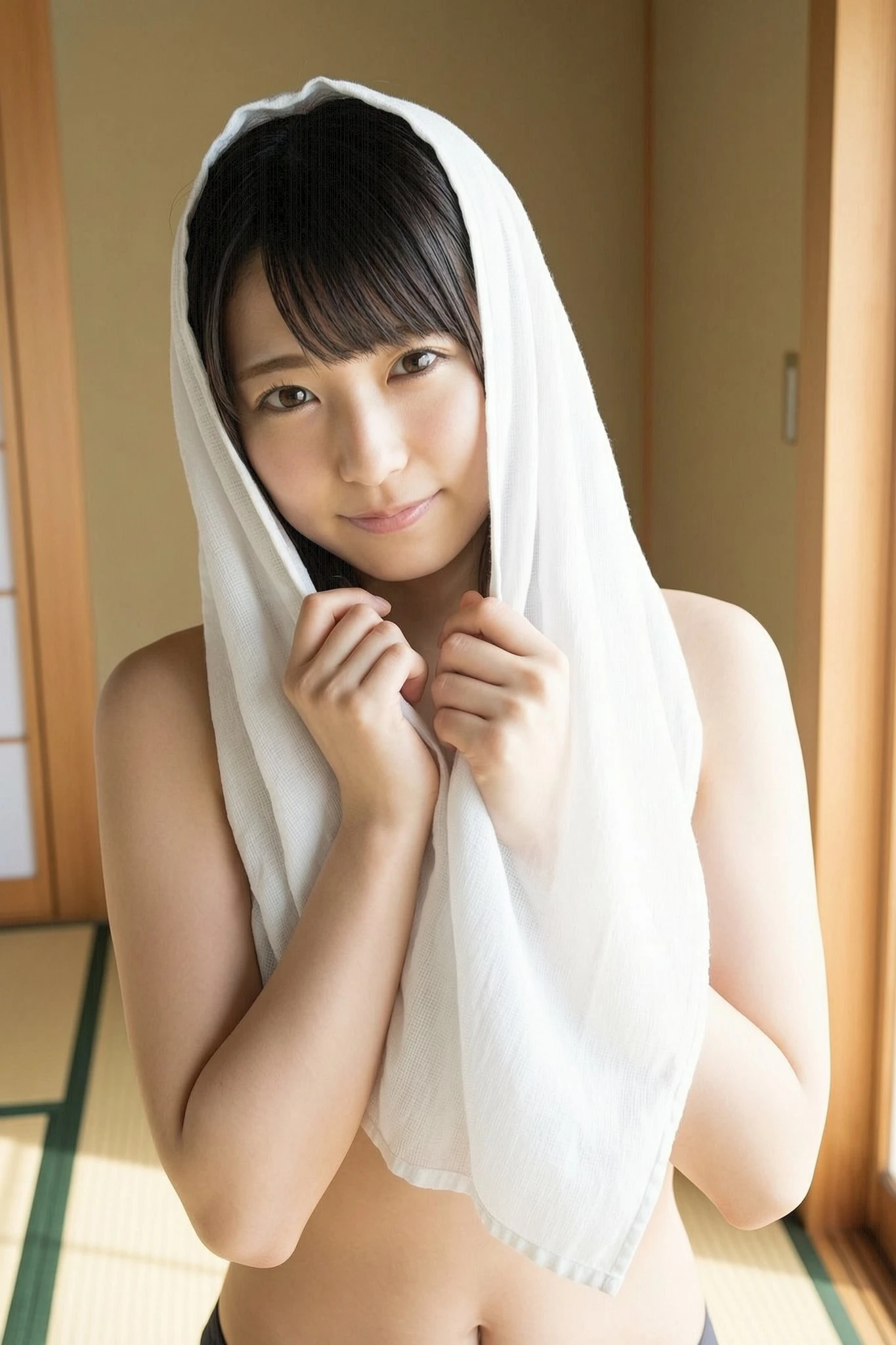
Face fidelity
Portrait & Facial Control
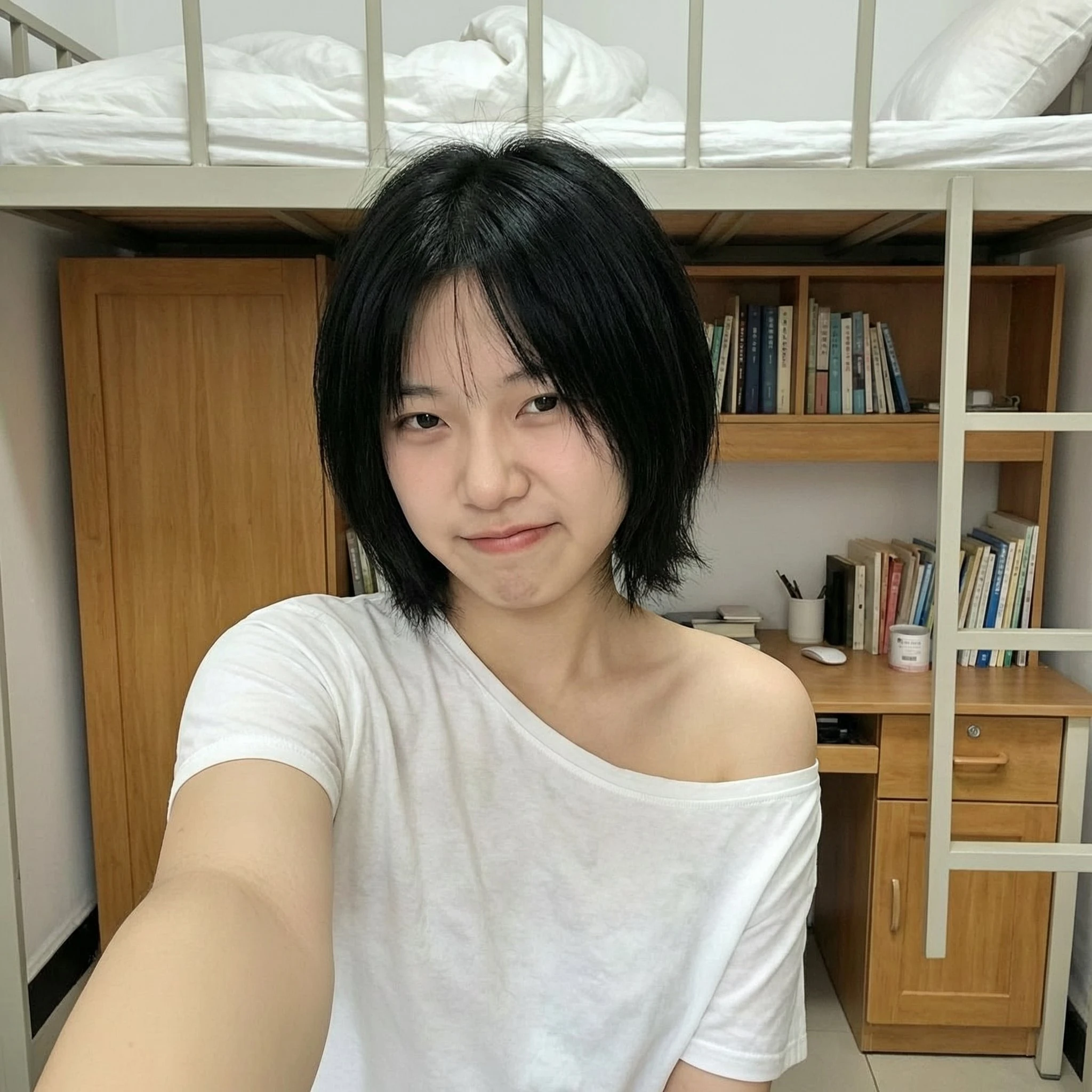
Photoreal skin detail, believable gaze, and high-end lighting balance for founder shots and campaign portraits.
Alibaba's Wan 2.7 model is now live on everyone's radar. Explore a refined Wan Image workflow for portraits, products, landscapes, and stylized illustration on Tryonr.
No download, no installation — a polished browser studio with high-control composition previews.
Jump into the Generation Studio below and start shaping your prompt.
Editorial hero visual
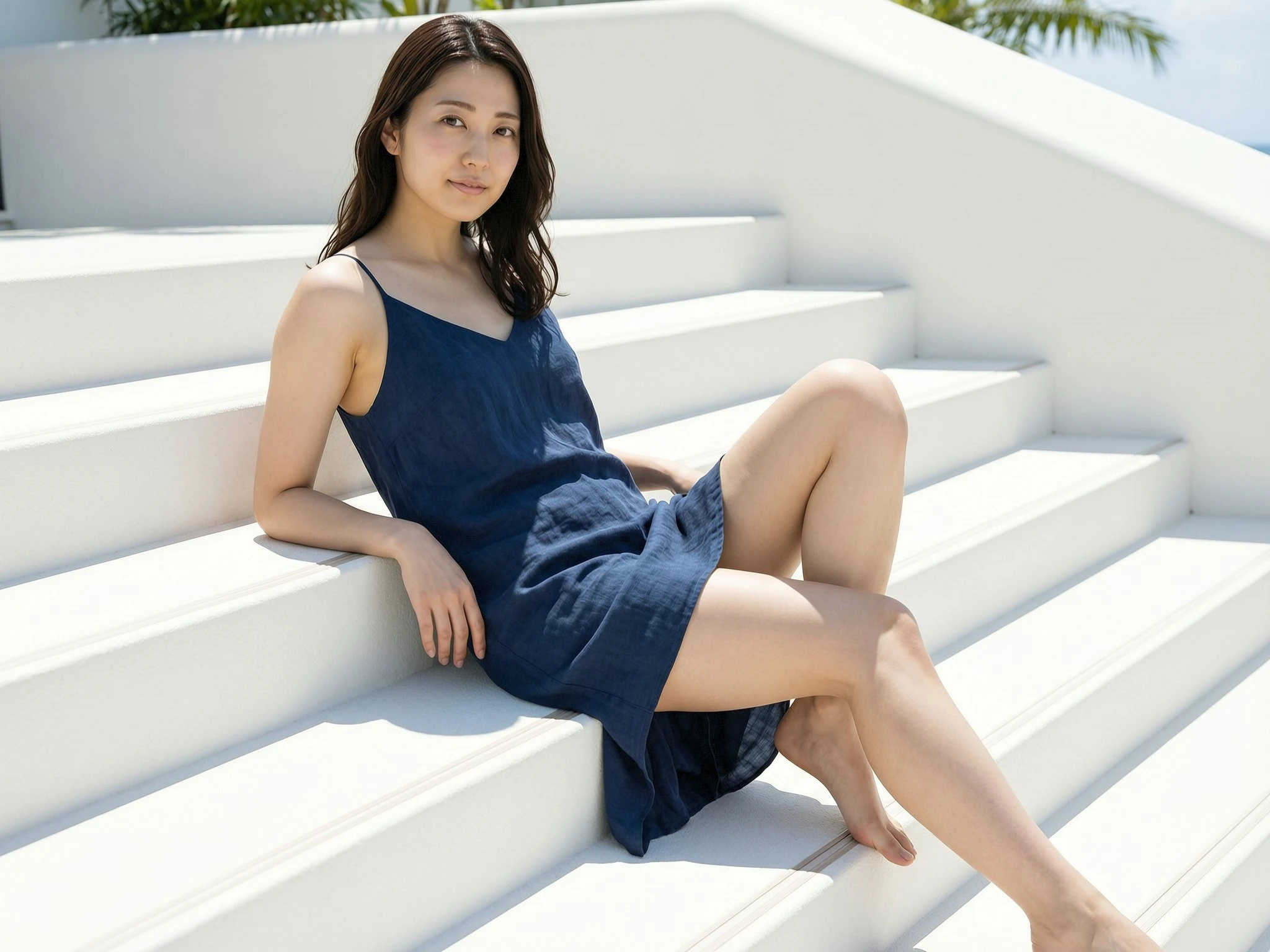
Editorial portrait direction for campaign previews, creator branding, and polished AI landing experiences.
Generated Result
Live Wan generations appear here with synced task history below.
Empty state
Rotates every 6 seconds
Click a direction card to switch instantly
Click any card to reload it into the preview or reuse its settings.
AI Gallery
Explore four deliberate directions for Wan Image output: face detail, beauty product photography, lifestyle portraits, and stylized illustration.
Photoreal skin detail, believable gaze, and high-end lighting balance for founder shots and campaign portraits.
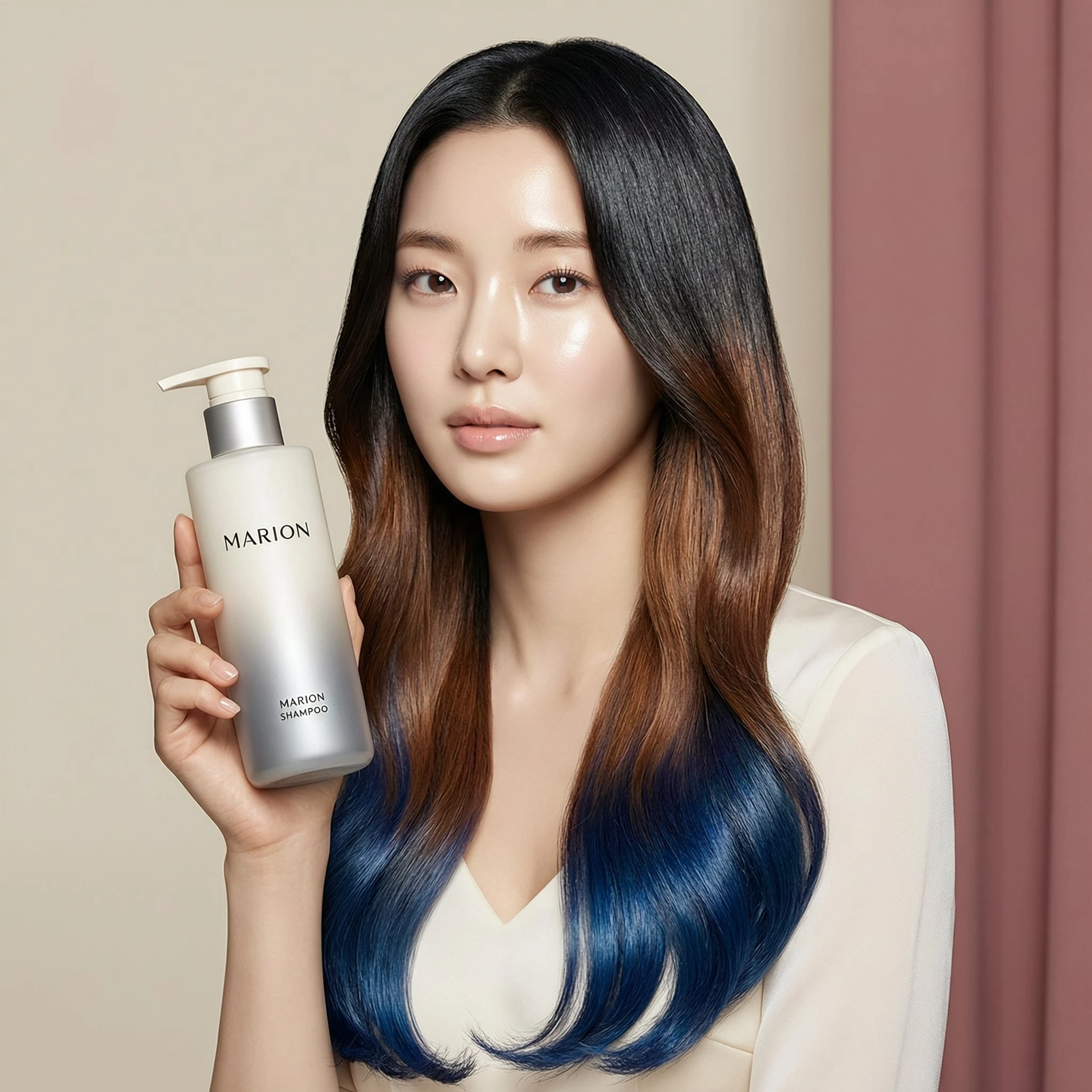
Skincare, beauty, and cosmetic campaigns benefit from cleaner faces, polished lighting, and stronger product framing.
Use Wan Image for lookbooks, creator campaigns, and fashion-forward visuals where pose and mood need to feel intentional.
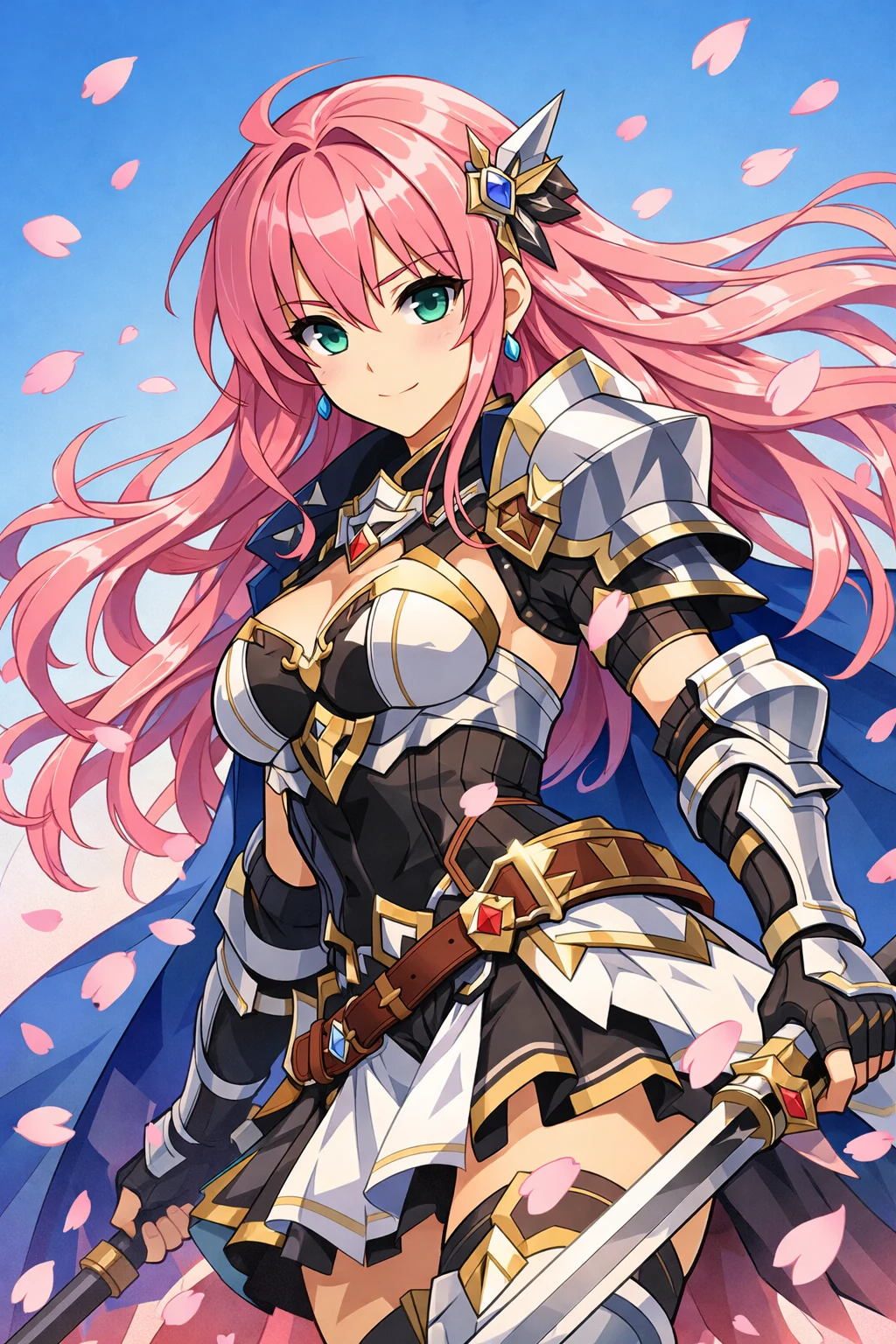
Structured costumes, vivid silhouettes, and controlled drama for stylized worlds and character key visuals.
What Is Wan Image
Wan 2.7 Image is Alibaba’s latest image-generation family built for creators who want stronger facial control, tighter art direction, and cleaner prompt execution than earlier general-purpose image models.
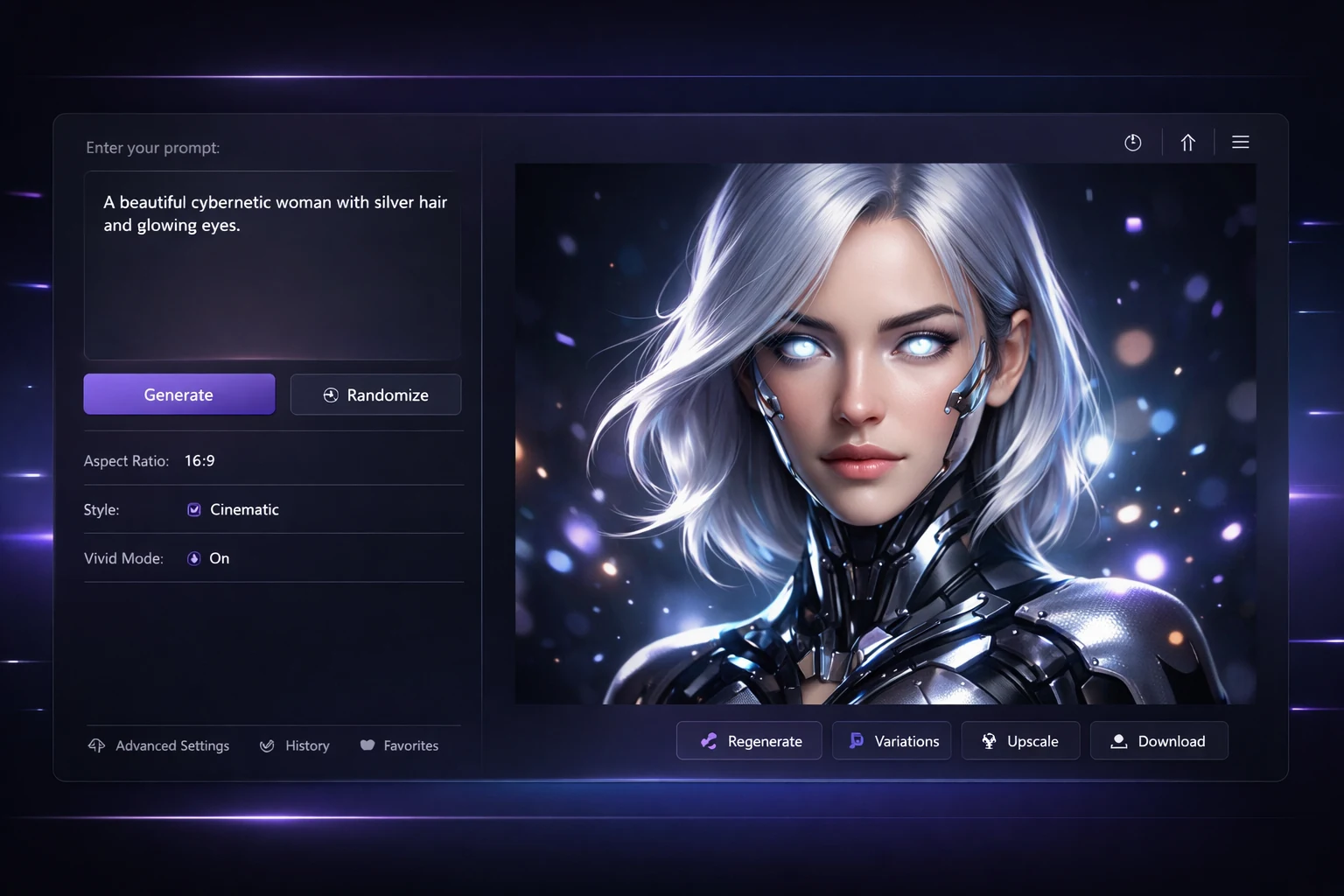
For a page like this, the value of Wan Image is not just that it can generate attractive pictures. The real appeal is how Wan 2.7 Image behaves when the prompt gets specific. You can push portrait posture, product composition, camera mood, and color intent without the entire frame collapsing into generic AI sludge. That makes Wan Image especially useful for people who need brand-grade image output rather than one-off novelty renders.
Wan 2.7 Image also matters because it closes several frustrating gaps from earlier image workflows. Facial structure is steadier, prompt adherence is more disciplined, and long prompt fragments render with less drift. In practical use, that means a founder portrait looks intentional instead of over-smoothed, a perfume shot feels art directed instead of random, and a landscape prompt keeps its lighting hierarchy instead of flattening into noise.
On Tryonr, the front-end opportunity is clear: treat Wan Image as an editorial studio rather than a toy generator. The prompt surface should encourage scene logic, palette control, and deliverable-oriented output. That is why this page leans into portrait, product, landscape, and illustration examples. Those categories show where Wan 2.7 Image can feel commercially useful, not just visually impressive.
Comparison
Why Tryonr
The page is designed like a creative workstation: fewer gimmicks, stronger preview logic, and cleaner hierarchy from prompt to result.
Studio direction
Editorial-first
The page now follows the same visual system as the rest of Tryonr, so it reads like a native tool page instead of a detached campaign microsite.
Direct the structure of a face, lighting angle, and expression with prompt language that feels closer to art direction than slot-machine generation.
Use palette cues and color-code language to keep product and campaign visuals aligned with a defined visual system.
The studio experience is shaped for fast iteration: prompt, compare, refine, and export without moving through desktop setup friction.
The visual language of this page anticipates reference-led editing, making it easier to extend into image-to-image and multi-image workflows later.
How It Works
The workflow is deliberately simple: write better prompts, choose the right frame, and iterate against a clear visual target.
01
Start with subject, lens mood, lighting, palette, and material detail. Wan Image performs best when the prompt feels like a creative brief, not a keyword pile.
02
Set a frame that matches the job: vertical for campaign portraits, wide for product banners, panoramic for landscapes, and square for social assets.
03
Use the gallery and preview rhythm to compare what works, tighten the prompt, and move toward the cleanest final direction.
Use Cases
The strongest use cases are the ones where image quality and prompt fidelity both matter: brand work, commerce, and high-style social output.
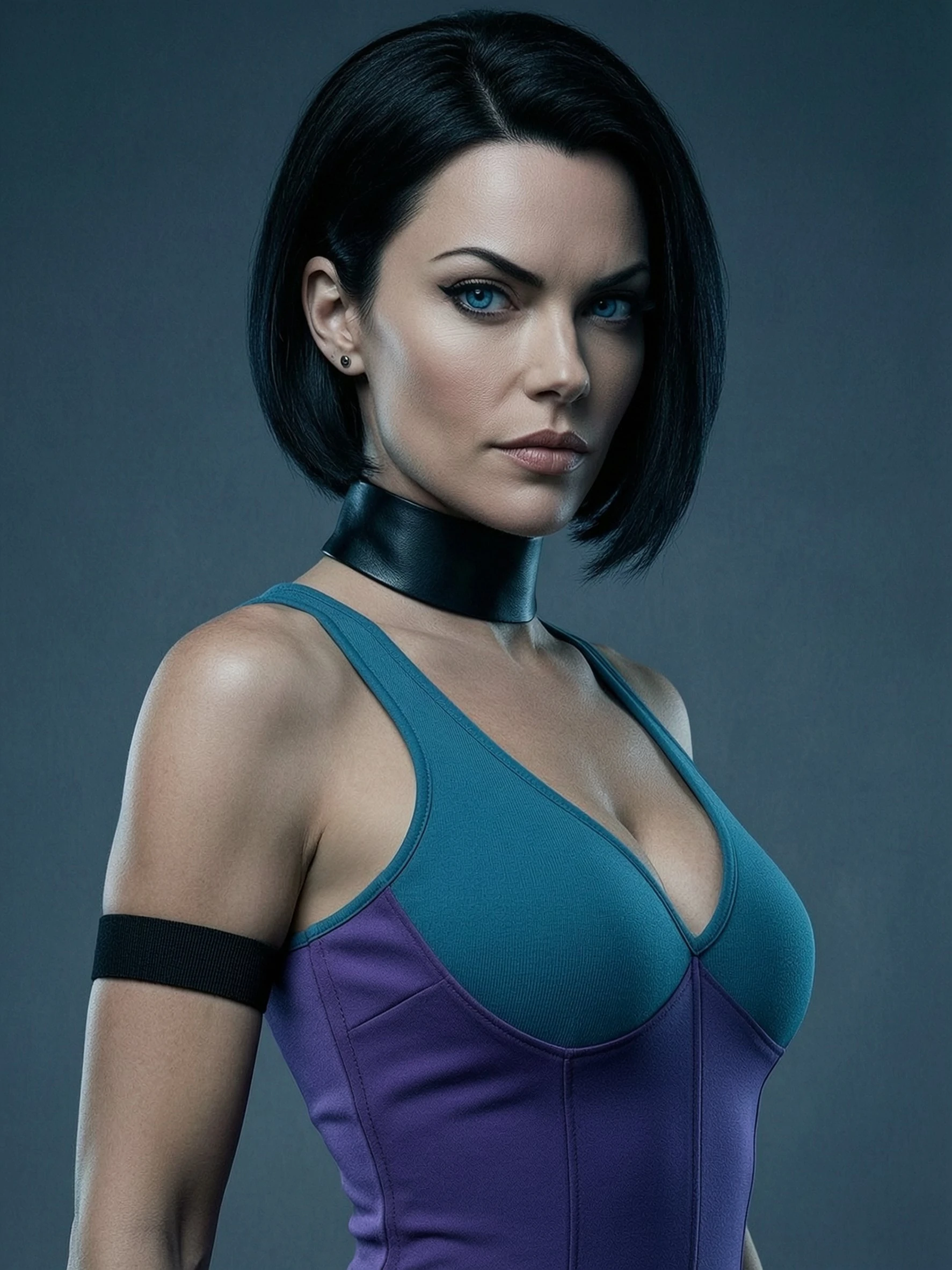
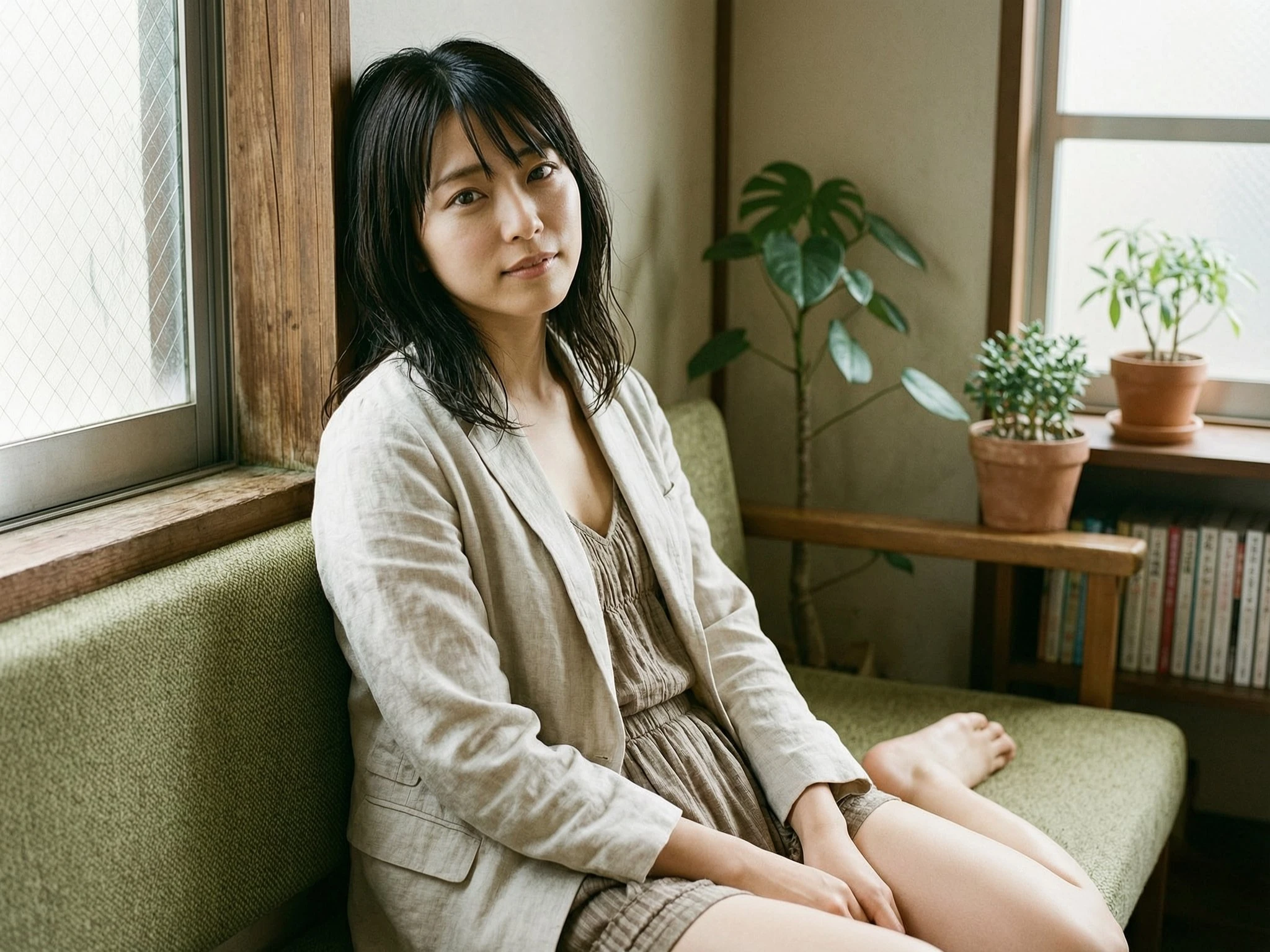
Shape founder, creator, and campaign portraits with mood-led prompts that feel closer to a magazine art direction board.
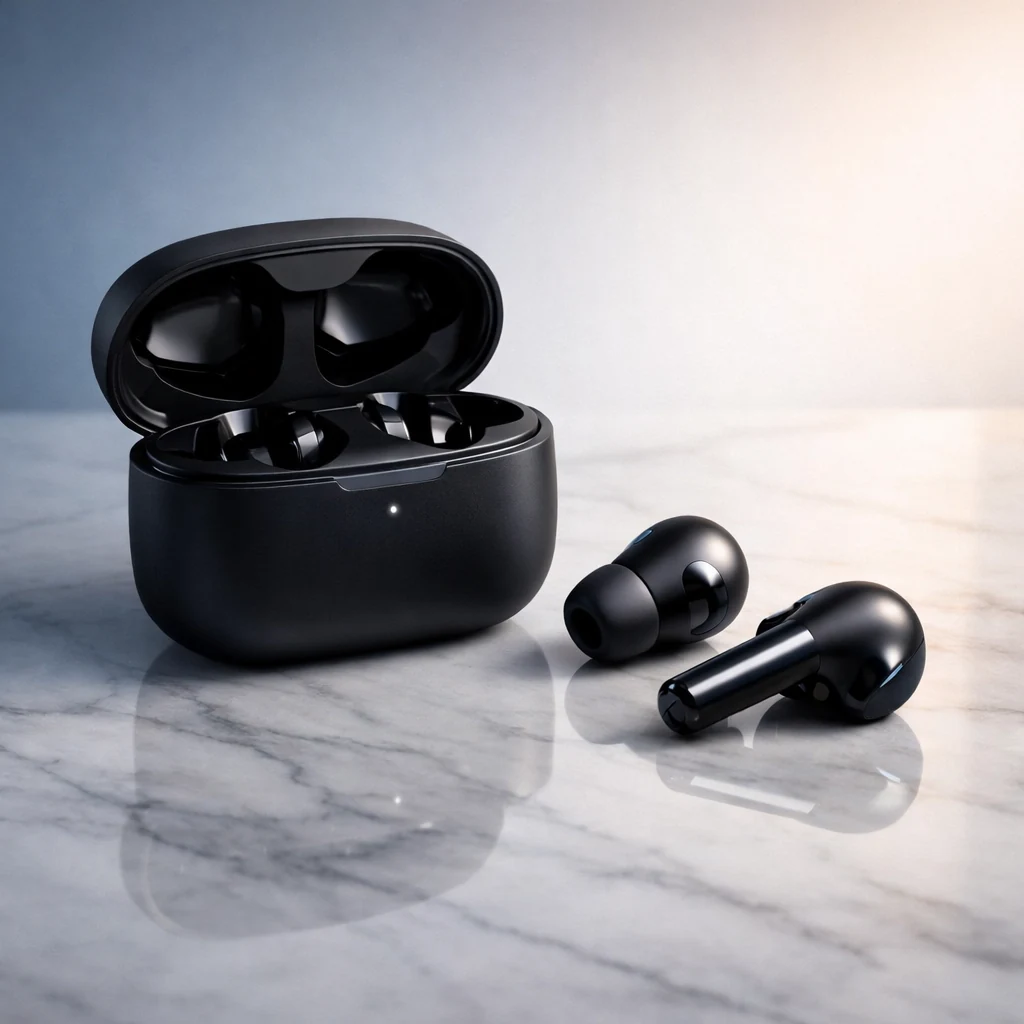
Create launch-ready product scenes for landing pages, marketplaces, and paid campaigns without a physical studio setup.
Build eye-catching visual systems for social posts, moodboards, thumbnails, and campaign teasers with a more deliberate aesthetic.
Use reference-led composition planning when you need to iterate on an existing idea instead of starting from zero every time.
✦Pricing✦
Unlock unlimited AI image generation with flexible pricing options. No hidden fees, cancel anytime.
For image creation and occasional video generation
Includes
Billed annually at $95.88 (Save 20%)
For professional creators and frequent video generation
Includes
Billed annually at $191.88 (Save 20%)
For high-volume creation and content production
Includes
Billed annually at $383.88 (Save 20%)


FAQ
Clear answers for the main questions users have before they try a new image model workflow.
Start Generating
Build your prompt, lock your frame, and move from rough idea to art-directed visual direction in a browser-first workflow.