Kling 3.0 Turbo
Kling 3.0 Turbo is Kuaishou's faster, lower-cost AI video model. Turn any text prompt or image into a cinematic clip with sharp lip-sync, stable motion, and seamless 15-second multi-shot sequences — free to try, no sign-up.
Generate videos from text descriptions with Kling 3.0
Be specific about motion, camera angles, character actions, and mood for best Kling 3.0 results
Faster, lower cost
Preview
Enter a prompt or upload an image and click Generate
How It Works
Enter Prompt
Describe your video or upload an image
Customize
Set duration, resolution, and audio
Generate
Kling 3.0 AI creates your video
Kling 3.0 Turbo AI Video Showcase
See what Turbo can create — from cinematic scenes to talking avatars. Every clip below shows the speed, lip-sync, and motion stability of Kuaishou's Kling video model.

Cinematic Action Scene
Turbo • Cinematic • Fast

Product Showcase Video
Turbo • Product • E-Commerce
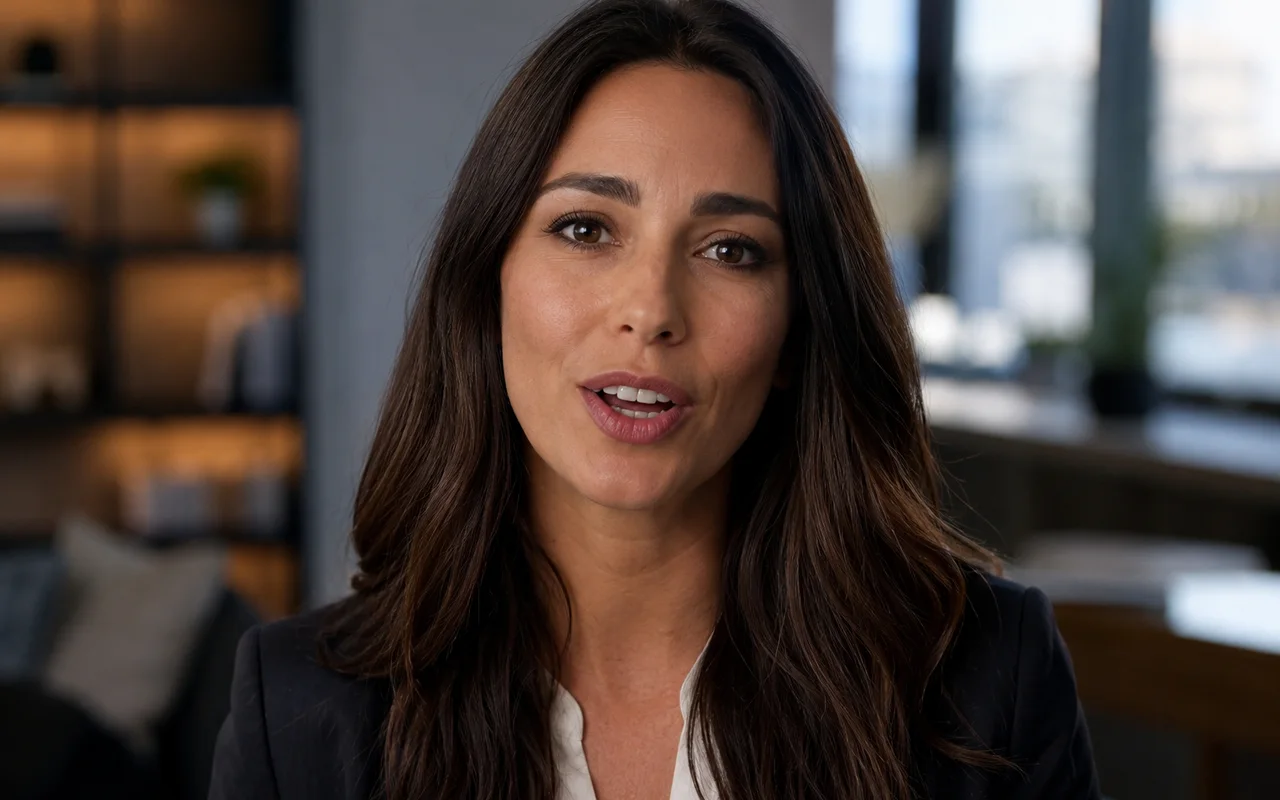
Talking Avatar & Lip-Sync
Turbo • Lip-Sync • Dialogue
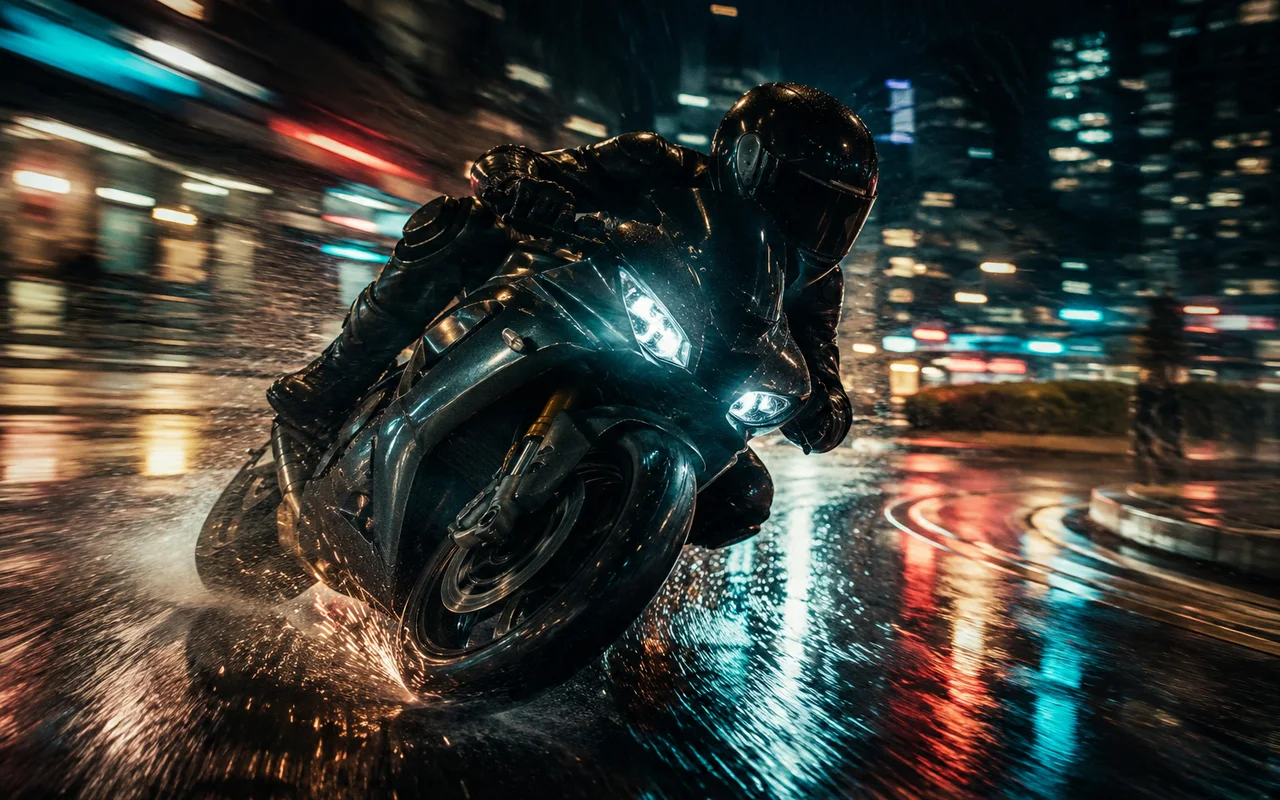
Stable, Dynamic Motion
Turbo • Motion • Stable
What You Can Create with Kling 3.0 Turbo
From e-commerce clips to talking avatars, Turbo powers fast, affordable AI video for every creative workflow.
E-Commerce Product Videos
Generate scroll-stopping product videos from a single image. Faster renders and lower cost make Turbo ideal for high-volume listings on Amazon, Shopify, and social commerce.
Social & Short-Form Content
Create TikTok, Reels, and Shorts at scale. Turbo produces 15-second multi-shot clips with native audio so you can publish more, faster, for less.
Talking Avatars & UGC
Build talking-head avatars and UGC-style ads. Superior lip-sync keeps dialogue believable across every shot and language.
Cinematic Story Shots
Use Turbo for fast cinematic b-roll, previsualization, and story beats — stable motion and consistent characters without the long wait.
What Is Kling 3.0 Turbo? Kuaishou's Faster AI Video Model
Kling 3.0 Turbo is the speed-optimized member of Kuaishou's Kling 3.0 AI video family. It keeps the cinematic quality, native audio, and character consistency of the standard Kling model while generating videos noticeably faster and at a lower credit cost per clip. If the standard model felt too slow or too expensive to experiment with, Turbo is the answer.
Turbo supports both text-to-video and image-to-video. Write a prompt, upload a single image, or set a start and end frame, and the model fills in complex, natural motion in between. Clips run up to 15 seconds with native audio — dialogue, sound effects, and multi-character speech included.
Because Turbo prioritizes speed and value, it is built for real production: rapid iteration, A/B testing ideas, and short-form content at scale. You get faster turnaround, shorter queues, and predictable credit costs — without losing the lifelike characters Kling is known for.
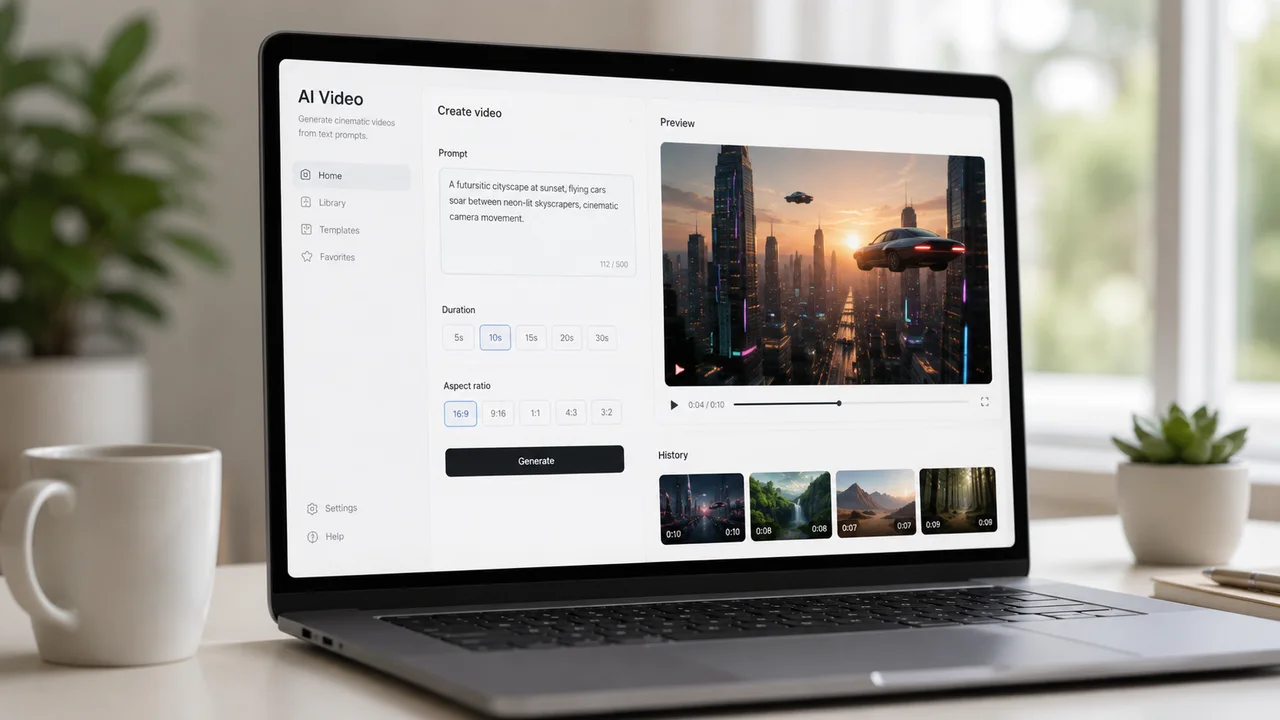
Kling 3.0 Turbo vs Standard, Pro & 2.5 Turbo
See how Turbo compares to the standard and pro tiers of Kling and the earlier Kling 2.5 Turbo, so you can match the right model to your project.
| Feature | Kling 3.0 Turbo | Kling 3.0 Standard | Kling 3.0 Pro | Kling 2.5 Turbo |
|---|---|---|---|---|
| Max Resolution | 1080p | 1080p+ | 1080p+ | 1080p |
| Native Audio | Yes | Yes | Yes | Limited |
| Multi-Shot | Up to 15s | Up to 15s | Up to 15s | Up to 10s |
| Character Consistency | Strong | Strong | Excellent | Good |
| Motion | Stable | Advanced | Advanced | Natural |
| Speed | Fastest | Standard | Slower | Fast |
| Free Tier | Free credits | Free credits | Free credits | Free credits |
| Best For | Fast, high-volume video | Balanced quality | Maximum fidelity | Legacy projects |
Turbo vs Standard Kling 3.0
Turbo and the standard Kling model share one engine, but Turbo generates faster and costs fewer credits per clip. Pick Turbo for fast iteration and high-volume output; pick the standard model when you want a little extra polish.
Try Kling 3.0 →Turbo vs Pro
Pro mode pushes maximum fidelity for hero shots, while Turbo is tuned for speed and value. For drafts, social clips, and rapid testing, Turbo gives the best balance of quality and turnaround.
Turbo vs Kling 2.5 Turbo
Kling 3.0 Turbo is a major step up from Kling 2.5 Turbo, with sharper lip-sync, native multi-character audio, and more stable motion. If you used Kling 2.5 Turbo before, this is the natural upgrade.
Why Choose Kling 3.0 Turbo
Turbo gives you the cinematic quality of Kling with faster renders, lower cost, and rock-solid lip-sync.
Faster Generation Speed
Turbo is tuned for speed — videos render faster and queues move quicker than the standard model, so you can iterate without waiting.
Lower Cost per Video
Turbo mode uses fewer credits per second, ideal for experimentation, drafts, and high-volume video creation.
Superior Lip-Sync
Sharp, accurate lip-sync makes characters speak in time, in multiple languages, with believable mouth movement.
Stable, Natural Motion
Motion stays smooth and physically plausible, with less of the morphing and abrupt movement seen in earlier AI video models.
15-Second Multi-Shot Clips
Generate seamless sequences up to 15 seconds, with consistent characters across multiple shots in a single generation.
Native Audio & Dialogue
Add environmental sound, effects, and multi-character speech natively — Turbo syncs audio to the video in one step.
How to Use Kling 3.0 Turbo
Create an AI video with Turbo in three simple steps — no editing skills required.
Enter a Prompt or Upload an Image
Type a text prompt describing your scene, or upload an image to animate. Turbo supports both text-to-video and image-to-video.
Choose Duration, Ratio & Audio
Pick clip length (up to 15s), aspect ratio (16:9, 9:16, or 1:1), and toggle native audio. Turbo handles the rest.
Generate & Download
Click generate and Turbo renders your video in seconds. Preview it, then download and share anywhere — free to start.
Kling 3.0 Turbo Pricing & Credits
Start creating with Turbo for free. Pay only for what you generate — credits scale with clip length and audio, so Turbo stays affordable.
Flexible Credits for AI Try-On, Images, and Video
Every paid option supports commercial use and has no visible Tryonr platform watermark by default. Starter can use image and video tools; advanced video models typically use more credits, so Creator or Pro is recommended.
Starter
Billed annually at $95.88
Up to 20 AI try-ons a month
For image creation and occasional video generation
Includes
- Commercial use included
- 2× Credits: 7,200/year (600 issued monthly)
- Permanently delete generation history from Tryonr-managed storage
- Access to all supported AI image tools
- AI video generation; advanced models typically use more credits
- HD exports with no visible Tryonr platform watermark by default
- Automatic credit refunds for failed generations
- Each monthly credit allocation remains valid for 12 months
- Save 20% compared with monthly billing
Creator
Billed annually at $191.88
Up to 53 AI try-ons a month
For professional creators and frequent video generation
Includes
- Commercial use included
- 2× Credits: 19,200/year (1,600 issued monthly)
- Access to all supported AI image tools
- Access to all supported AI video tools, including advanced models
- More credits for frequent and advanced video generation
- HD exports with no visible Tryonr platform watermark by default
- Automatic credit refunds for failed generations
- Each monthly credit allocation remains valid for 12 months
- Save 20% compared with monthly billing
Pro
Billed annually at $383.88
Up to 113 AI try-ons a month
For high-volume creation and content production
Includes
- Commercial use included
- 2× Credits: 40,800/year (3,400 issued monthly)
- Access to all supported AI image tools
- Access to all supported AI video tools
- HD exports with no visible Tryonr platform watermark by default
- Automatic credit refunds for failed generations
- Each monthly credit allocation remains valid for 12 months
- Save 20% compared with monthly billing


First subscription purchases may be refundable within 3 days if no more than 30% of included credits are used. View Refund Policy
Kling 3.0 Turbo FAQ
Everything you need to know about the Kling 3.0 Turbo AI video generator by Kuaishou.
Start Creating with Kling 3.0 Turbo
Join creators using Turbo for fast, affordable AI video with superior lip-sync and stable motion. Try it free on Tryonr today.
Explore More AI Video Tools on Tryonr
Pair Turbo with our other AI video tools for a complete production workflow.