Happy Horse 1.1 AI Video Generator
Happy Horse 1.1 is Alibaba's upgraded open AI video model — native synced audio, up to 9 reference images each with its own dialogue, smoother motion, and multi-character consistency. Turn text or images into cinematic 720p/1080p clips, free to try.
Powered by the Happy Horse engine on Tryonr — the Happy Horse 1.1 model upgrade is rolling out.
Text to Video
Compose shots from a written prompt only.
Detailed motion, framing and lighting cues work best.
Estimate
155cr
31 cr per output second × 5s.
Fire and keep creating — up to 3 videos can generate at once.
Preview
Async result · Text to Video
Reference images map to character1, character2… in the order you upload them.
Recent HappyHorse Videos
Completed and processing videos from this account appear here and are also saved to your dashboard after delivery.
Sign in to keep video history
HappyHorse videos are tied to your Tryonr account.
Estimate
155cr
What Is Happy Horse 1.1? Alibaba's Open AI Video Model
Happy Horse 1.1 is the upgraded release of Alibaba's open Happy Horse AI video model. It keeps the open-weight, multi-shot foundation of Happy Horse 1.0 while adding native synced audio, smoother and more expressive motion, and stronger multi-character consistency — a clear step up for anyone who wants cinematic AI video from a single prompt or image.
The headline upgrade in Happy Horse 1.1 is reference control. The model accepts up to 9 reference images, and each reference can carry its own dialogue and storyboard timing. Audio runs through the same Transformer as the video, so speech, sound effects, and music land already synced to the picture in one render pass — no separate lip-sync step.
Happy Horse 1.1 supports text-to-video, image-to-video, and reference-to-video at 720p and 1080p, with clips from 3 to 15 seconds. Thanks to long-context semantic preservation and segment-based scene planning, it handles longer, more complex prompts while keeping characters, wardrobe, and style coherent across every shot.
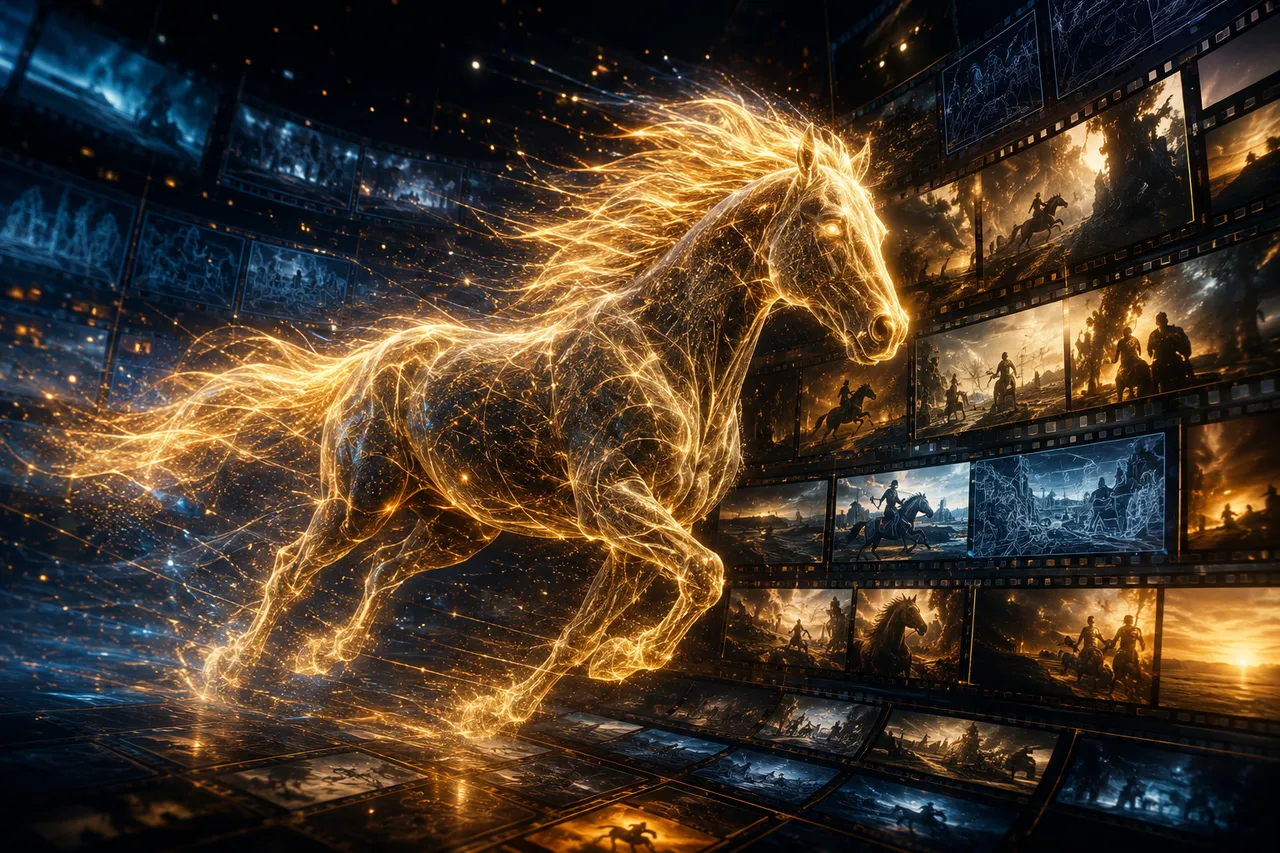
Why Choose Happy Horse 1.1
Happy Horse 1.1 pairs Alibaba's open video model with native audio, nine-reference control, and smoother motion for production-ready AI video.
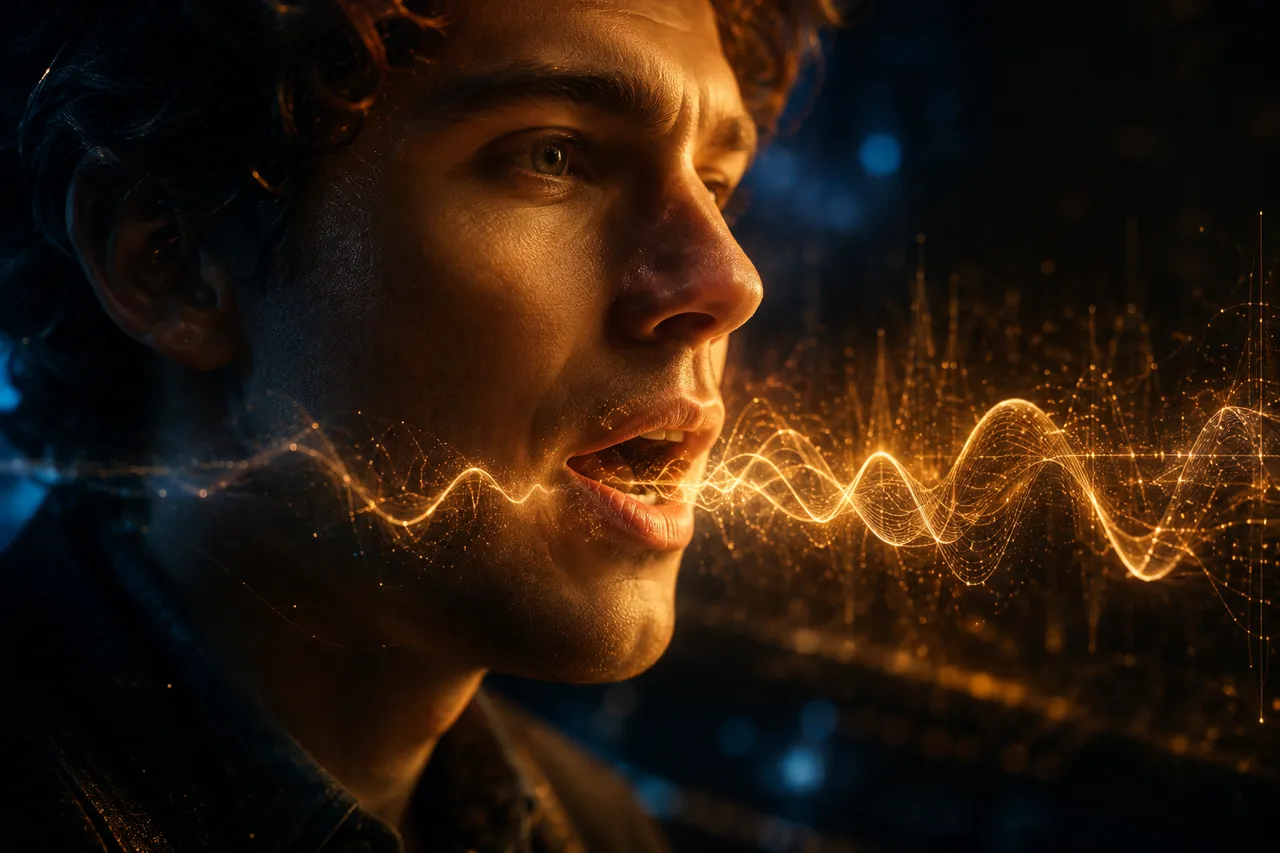
Native Synced Audio
Audio runs through the same Transformer as the video, so dialogue, sound effects, and music come out already synced to the picture — no separate lip-sync pass.
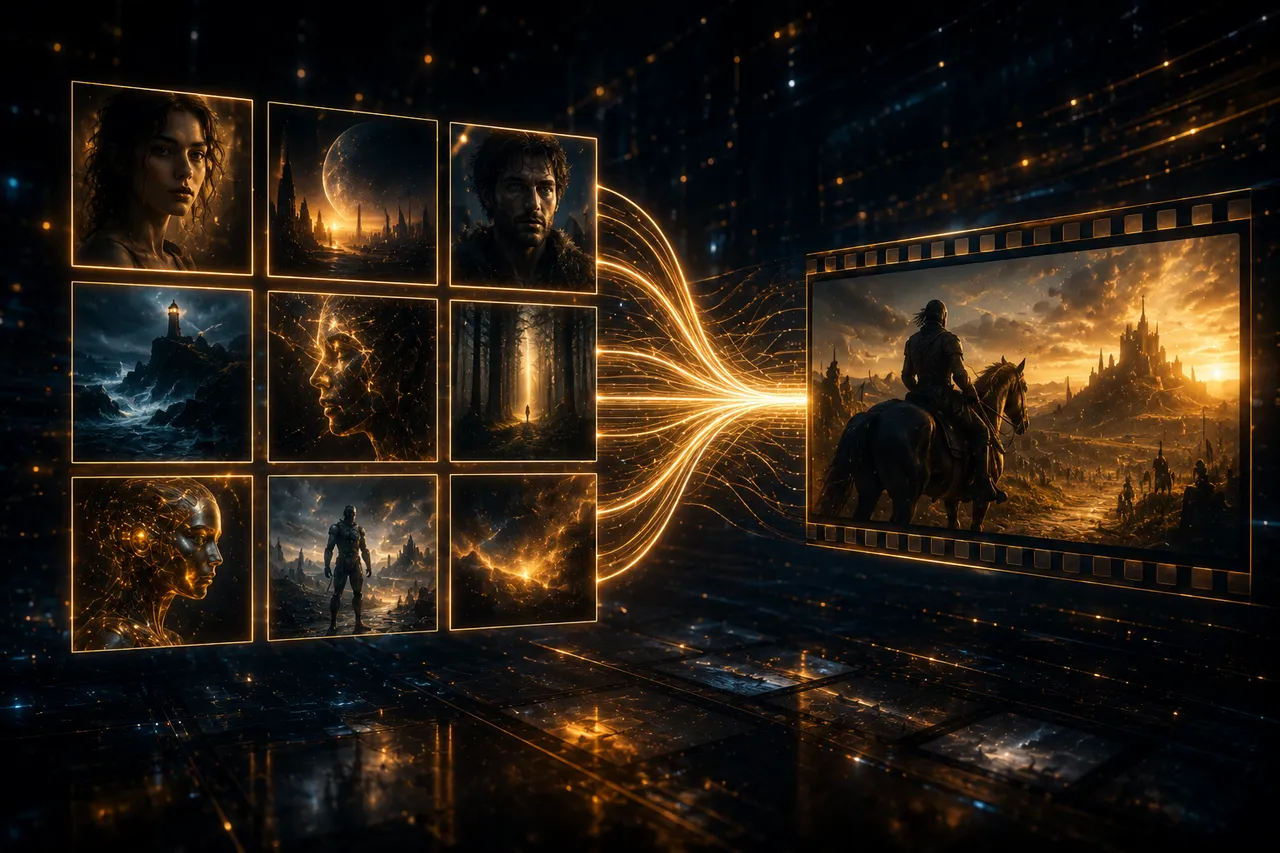
Up to 9 Reference Images
Feed Happy Horse 1.1 up to nine reference images, each with its own dialogue and storyboard timing, to lock characters, scenes, and style across every shot.
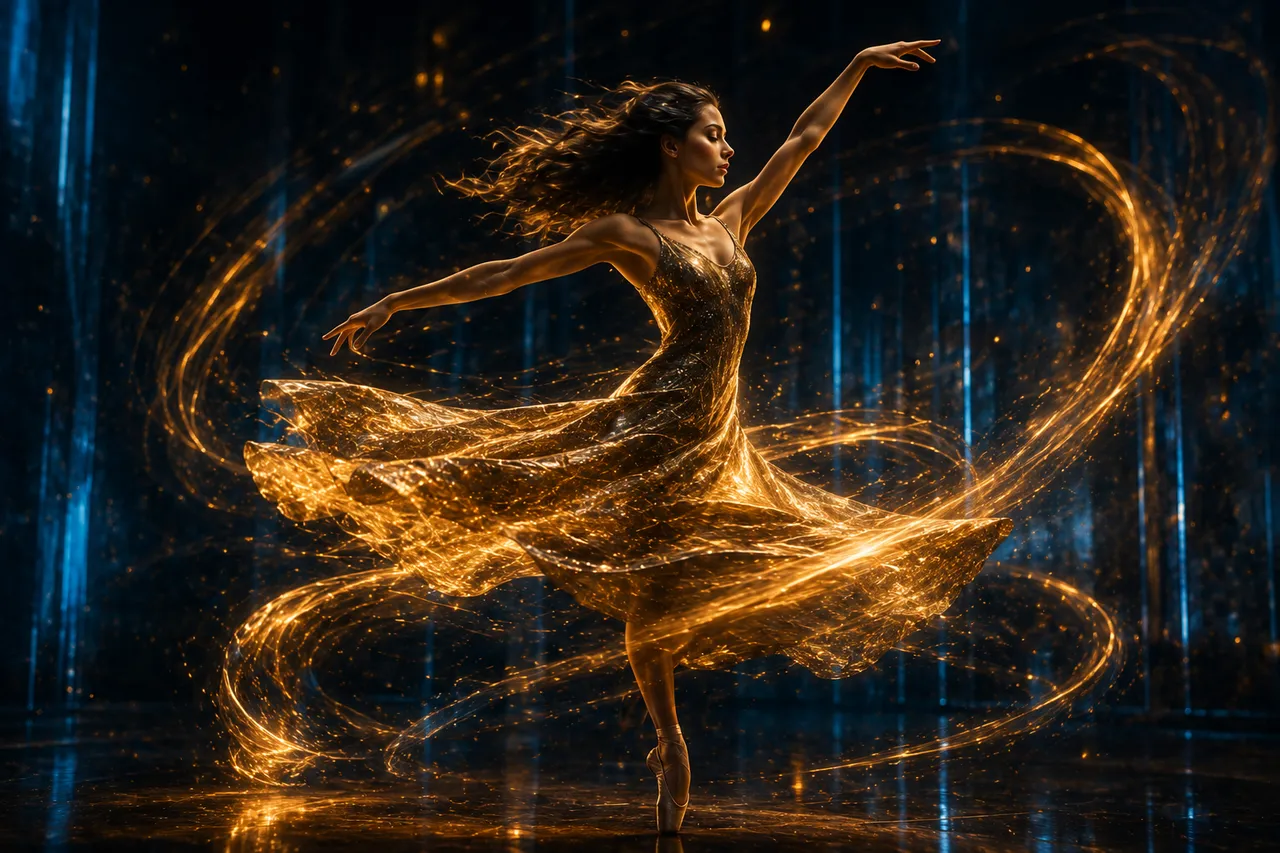
Smoother, Expressive Motion
Happy Horse 1.1 fixes the stiff movement of 1.0 with smoother, more dynamic motion and more believable body and facial expression.
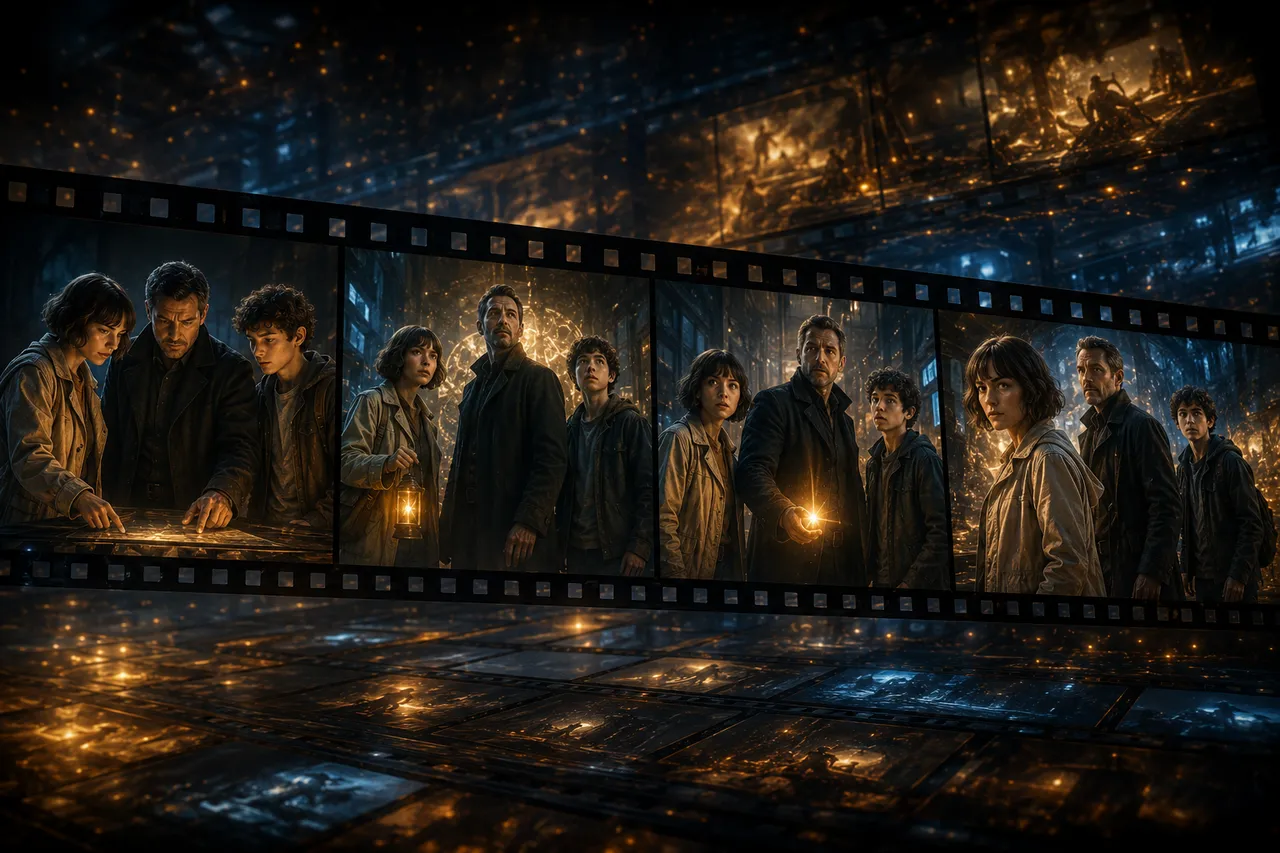
Multi-Character Consistency
Keep multiple characters, outfits, and visual style coherent across a multi-shot sequence in a single generation.
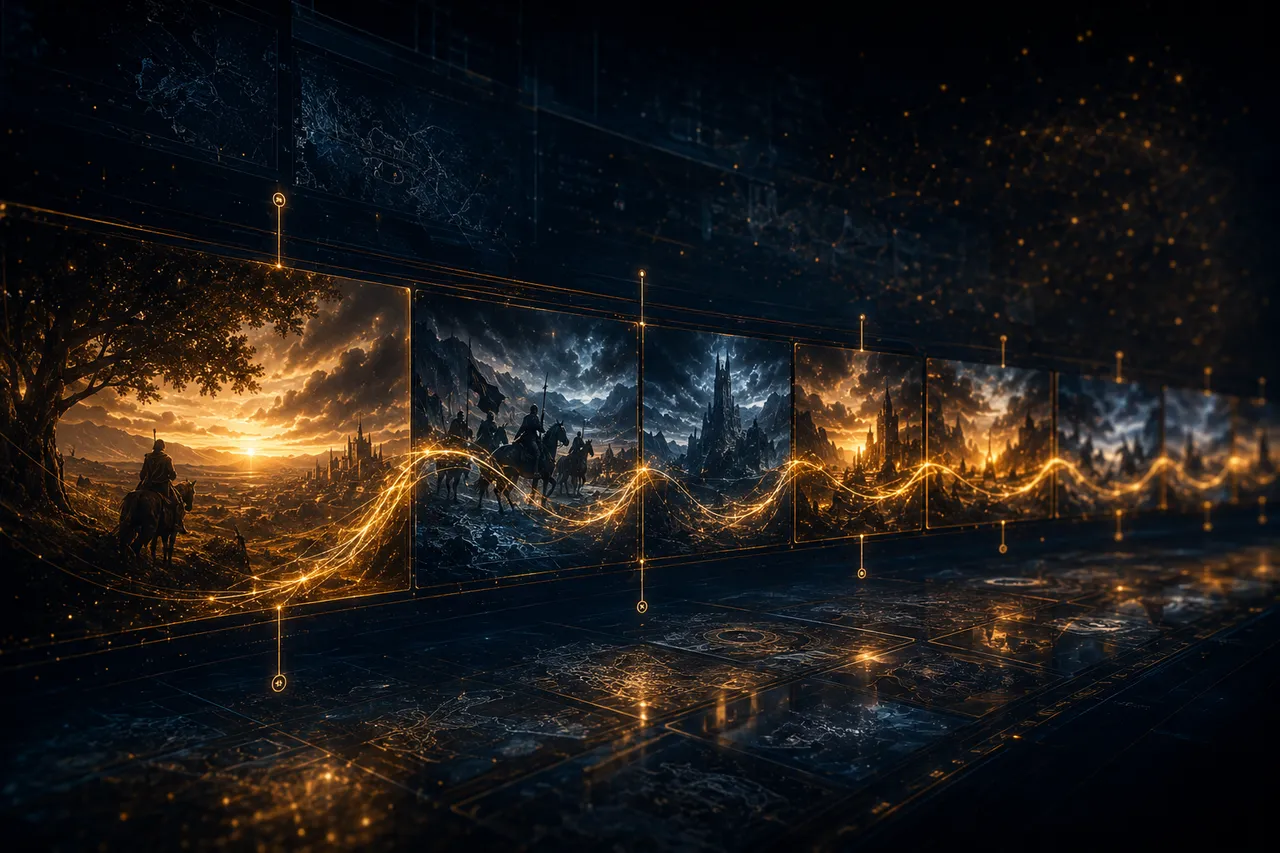
Long-Context Scene Planning
Optimized long-context semantic preservation and segment-based scene planning let Happy Horse 1.1 follow longer, more complex prompts accurately.

Open Model, 720p & 1080p
Built on Alibaba's open Happy Horse weights, the model outputs cinematic 720p and 1080p clips from 3 to 15 seconds.
How to Use Happy Horse 1.1
Create an AI video with Happy Horse 1.1 in three simple steps — no editing skills required.
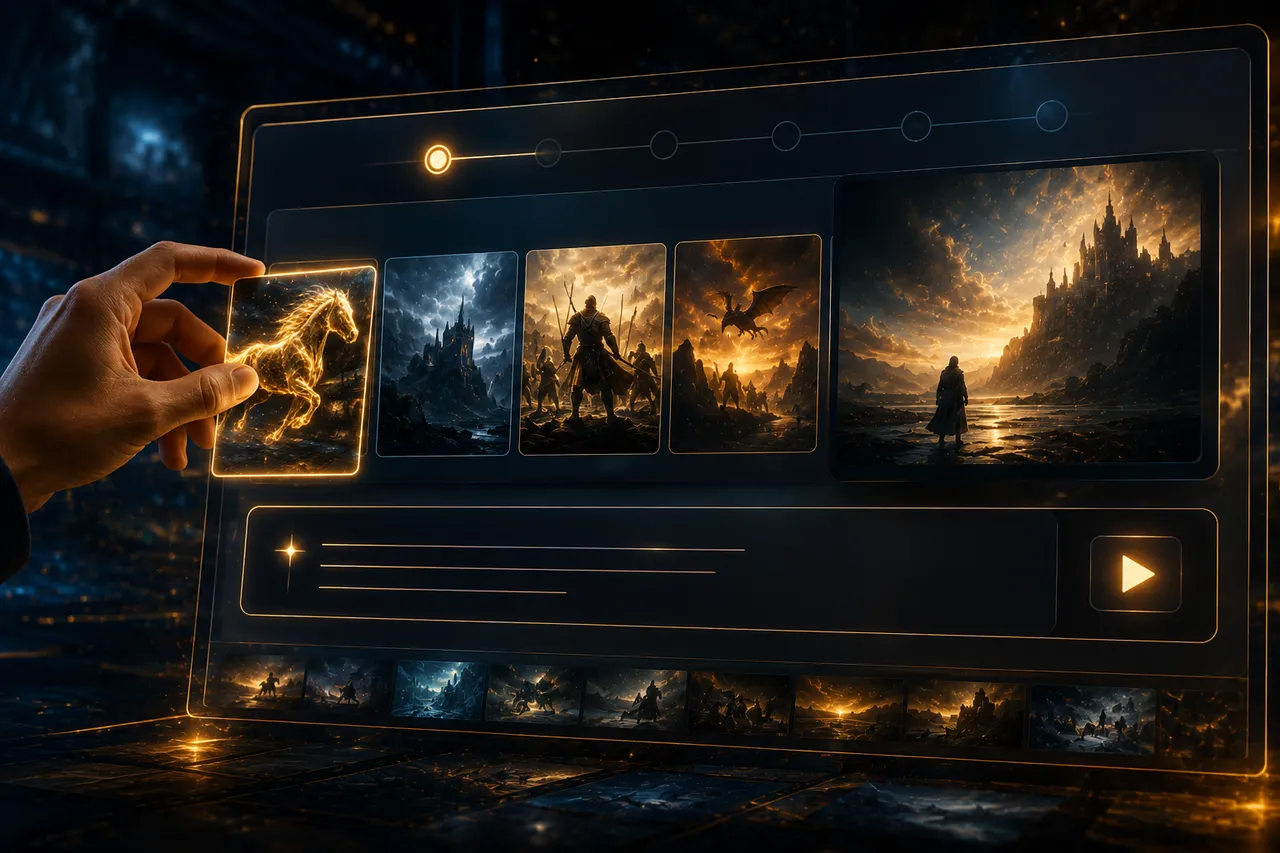
Enter a Prompt or Upload References
Type a text prompt, upload an image, or add up to 9 reference images. Happy Horse 1.1 supports text, image, and reference to video.
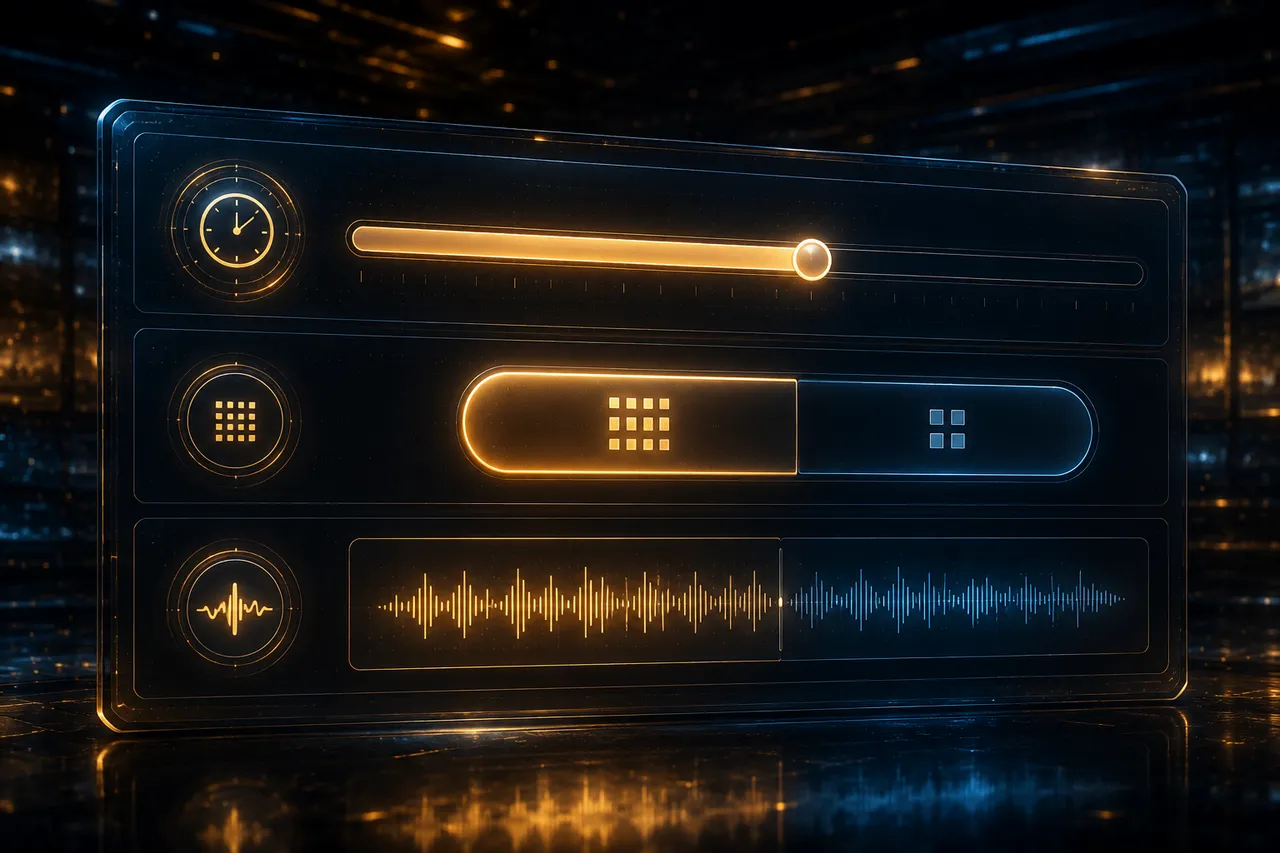
Set Duration, Quality & Audio
Pick clip length (3–15s), choose 720p or 1080p, and let Happy Horse 1.1 generate native synced audio in the same pass.
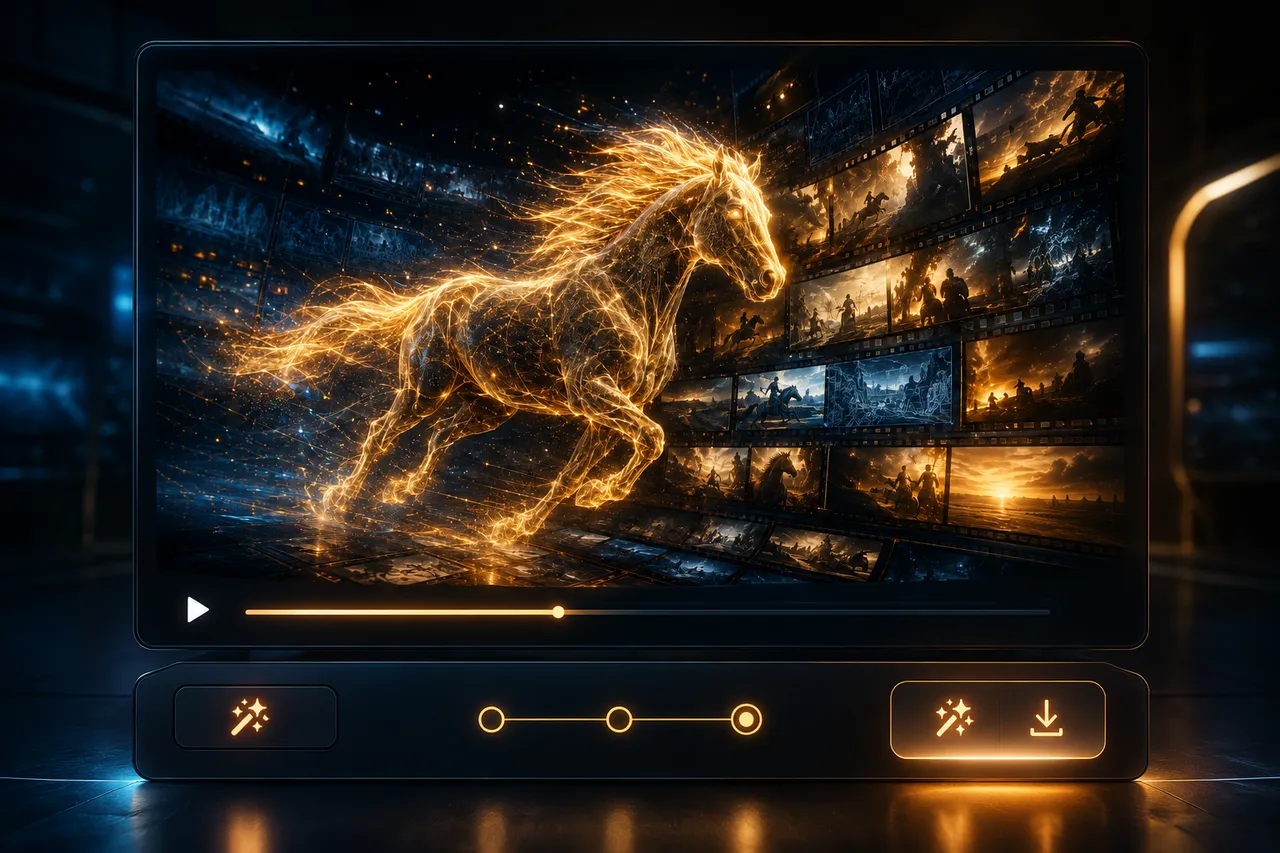
Generate & Download
Click generate and Happy Horse 1.1 renders your cinematic clip. Preview it, then download and share anywhere — free to start.
Happy Horse 1.1 vs 1.0, Seedance & Grok
See how Happy Horse 1.1 compares to Happy Horse 1.0, Seedance 2.0 Mini, and Grok Imagine 1.5 so you can match the right model to your project.
| Feature | Happy Horse 1.1 | Happy Horse 1.0 | Seedance 2.0 Mini | Grok Imagine 1.5 |
|---|---|---|---|---|
| Max Resolution | 1080p | 1080p | 720p | 720p |
| Native Audio | Native, synced | Limited | No | Limited |
| Reference Images | Up to 9 | Up to 9 | Multi-shot | 1 |
| Motion | Smoother, dynamic | Stiffer | Smooth | Natural |
| Multi-Character | Strong | Good | Good | Basic |
| Duration | 3–15s | 3–15s | Up to 15s | Up to 6s |
| Free Tier | Free credits | Free credits | Free credits | Limited |
| Best For | Audio-rich cinematic video | Open multi-shot video | Fast, low-cost clips | Quick social clips |
Happy Horse 1.1 vs 1.0
Happy Horse 1.1 and 1.0 share the same open Alibaba foundation, but 1.1 adds native synced audio, smoother motion, and better long-context prompt following. Choose 1.1 for audio-rich, more expressive video.
Try Happy Horse 1.0 →Happy Horse 1.1 vs Seedance 2.0 Mini
Seedance 2.0 Mini is tuned for fast, low-cost clips, while Happy Horse 1.1 leads on native audio and nine-reference control. Pick Mini for speed and volume; pick Happy Horse 1.1 for dialogue and character-driven scenes.
Happy Horse 1.1 vs Grok Imagine 1.5
Grok Imagine 1.5 is great for quick short clips, but Happy Horse 1.1 wins on longer multi-shot sequences, synced audio, and multi-character consistency — better for storytelling and commercials.
What You Can Create with Happy Horse 1.1
From brand commercials to anime composites, Happy Horse 1.1 powers audio-rich, character-driven AI video for every creative workflow.

Brand & Commerce Videos
Turn a single product into multiple lifestyle stories while Happy Horse 1.1 preserves subject identity, styling, and visual coherence across every scene — ideal for fashion and e-commerce.
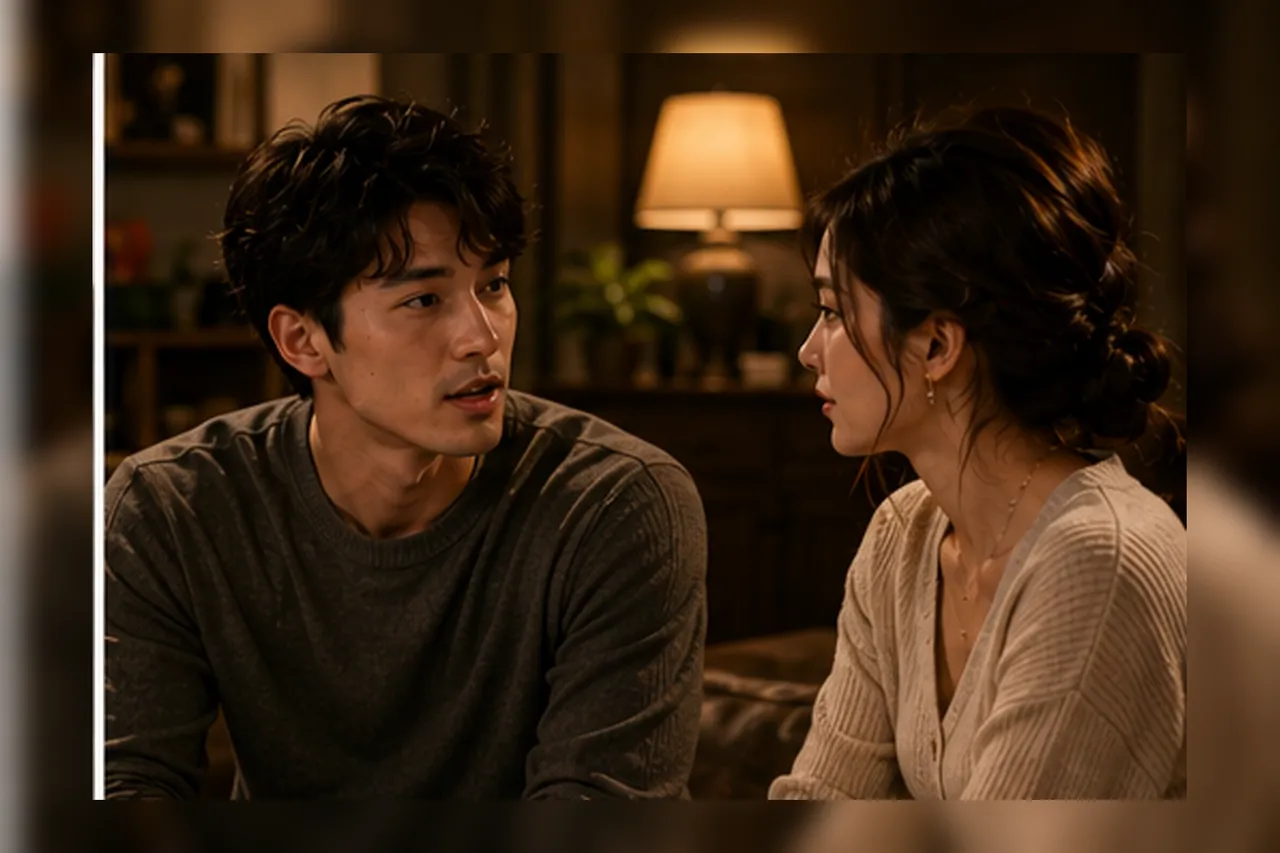
Talking Characters & Dialogue
Use native synced audio and nine-reference control to build multi-character scenes where each character speaks its own lines, lip-synced in one render pass.
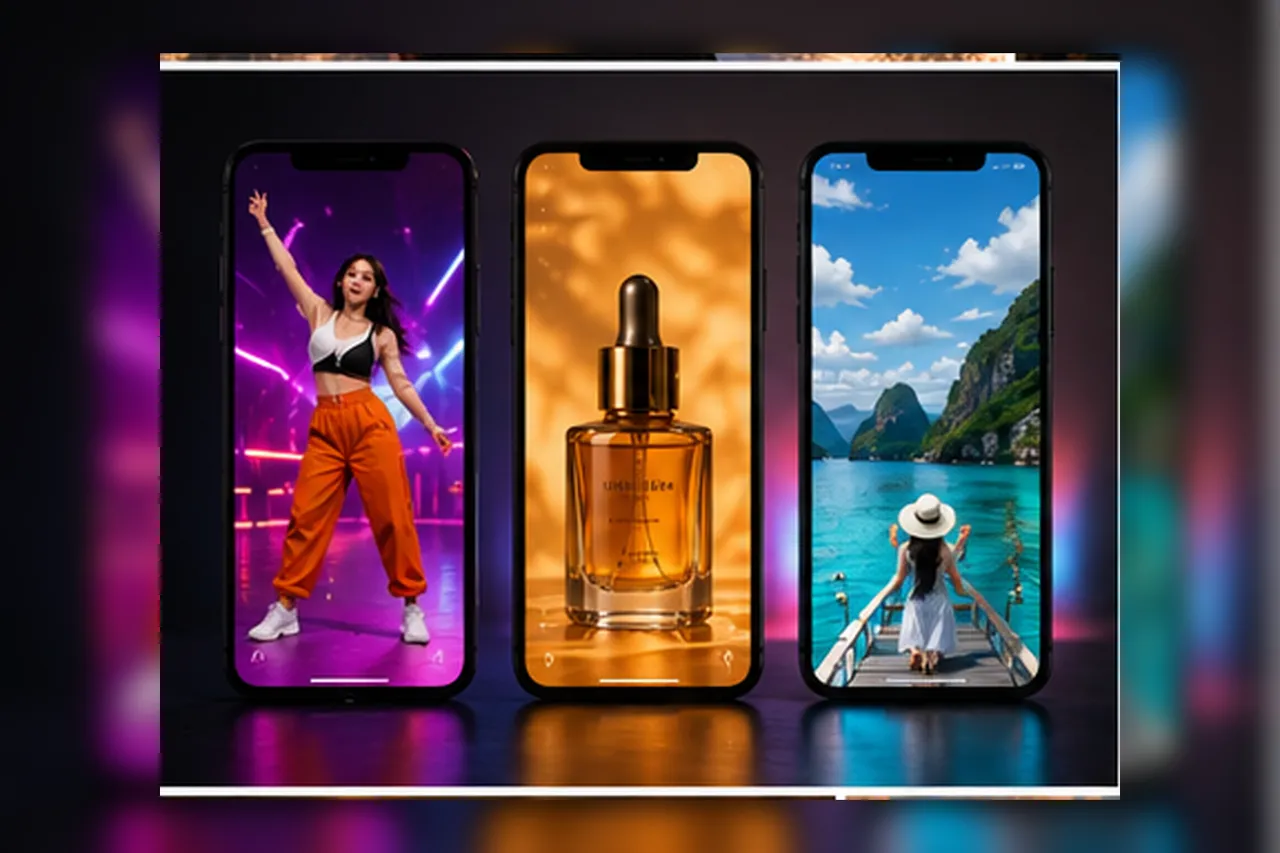
Social Reels & Ads
Create TikTok, Reels, and Shorts at scale. Happy Horse 1.1 produces 720p/1080p clips with sound, so you can publish more cinematic short-form content faster.
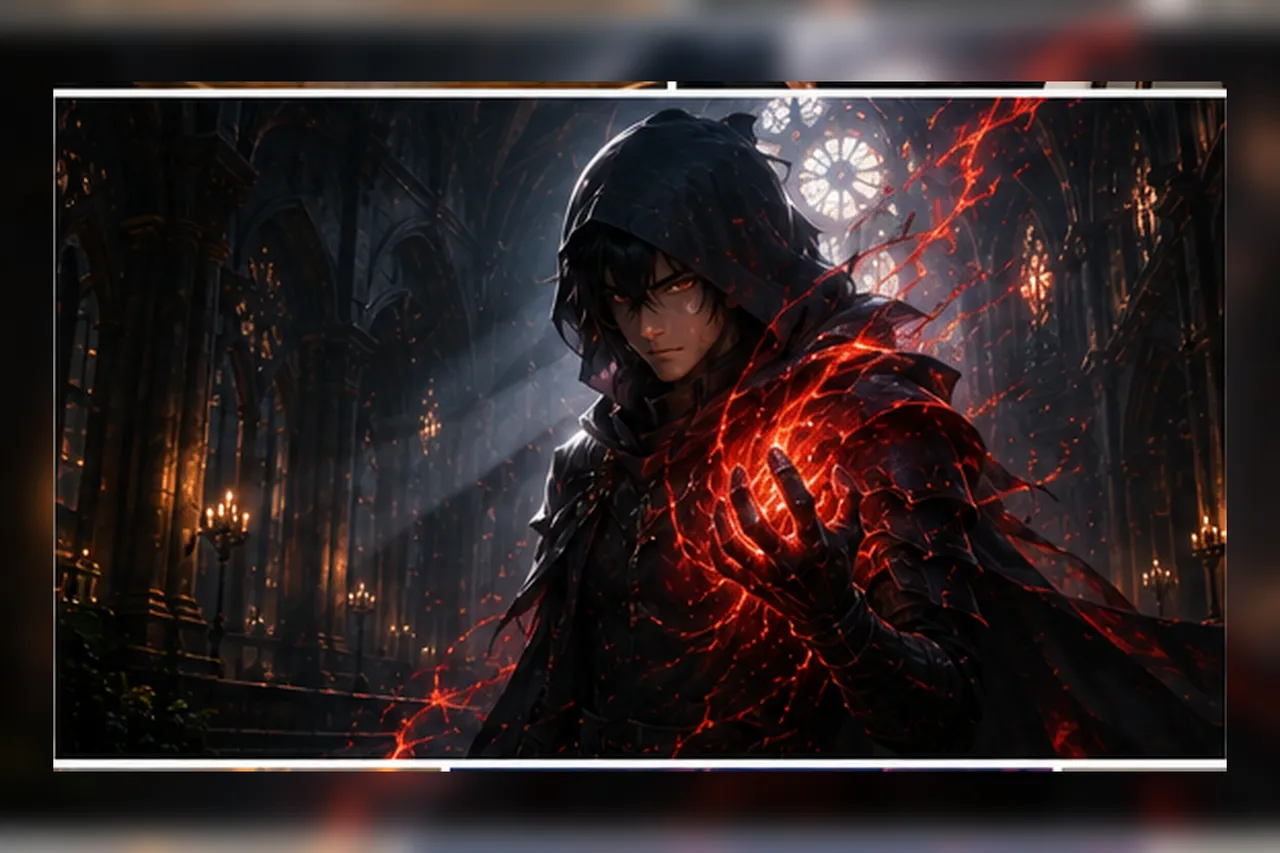
Cinematic & Anime Composites
Generate dark-fantasy sequences, storyboard-to-video shots, and live-action-background plus anime composites with smooth motion and atmospheric lighting.
Happy Horse 1.1 AI Video Showcase
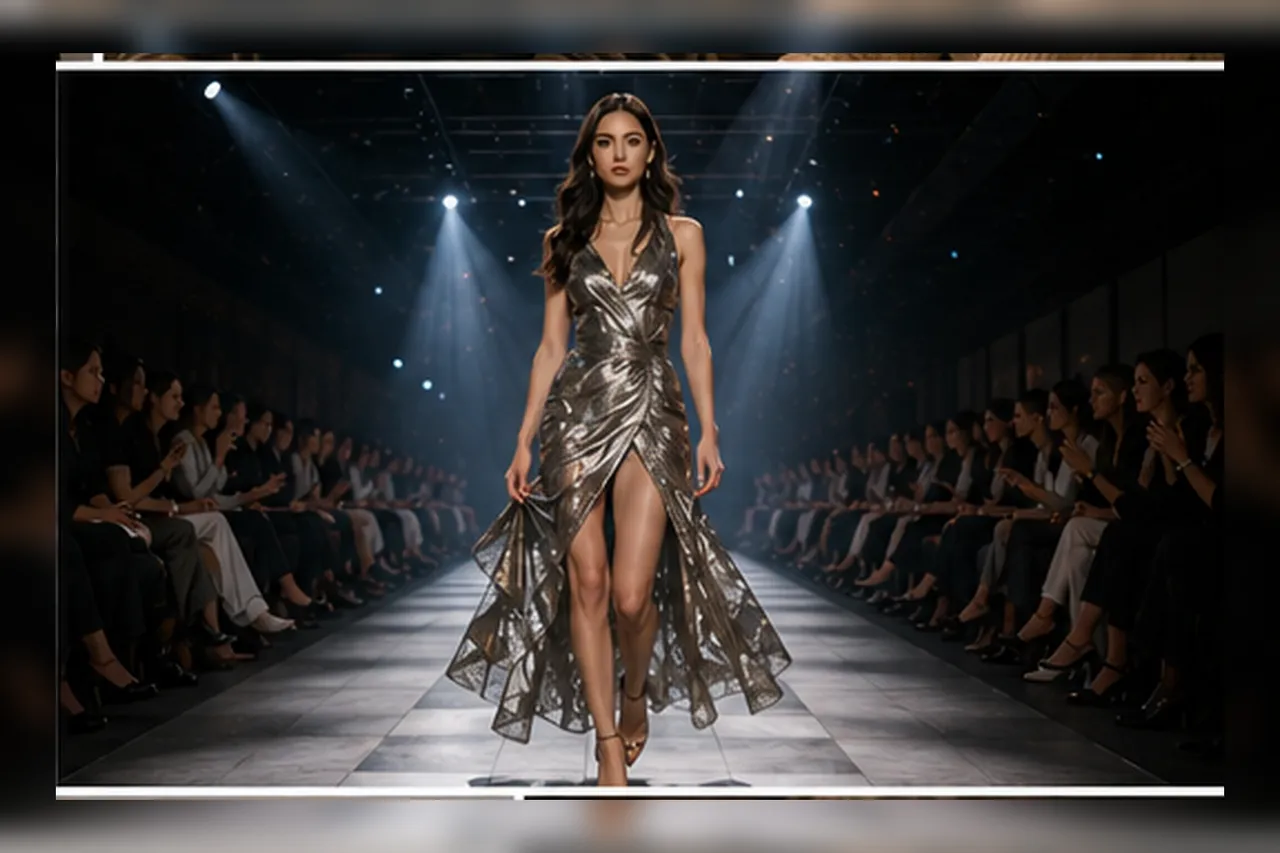
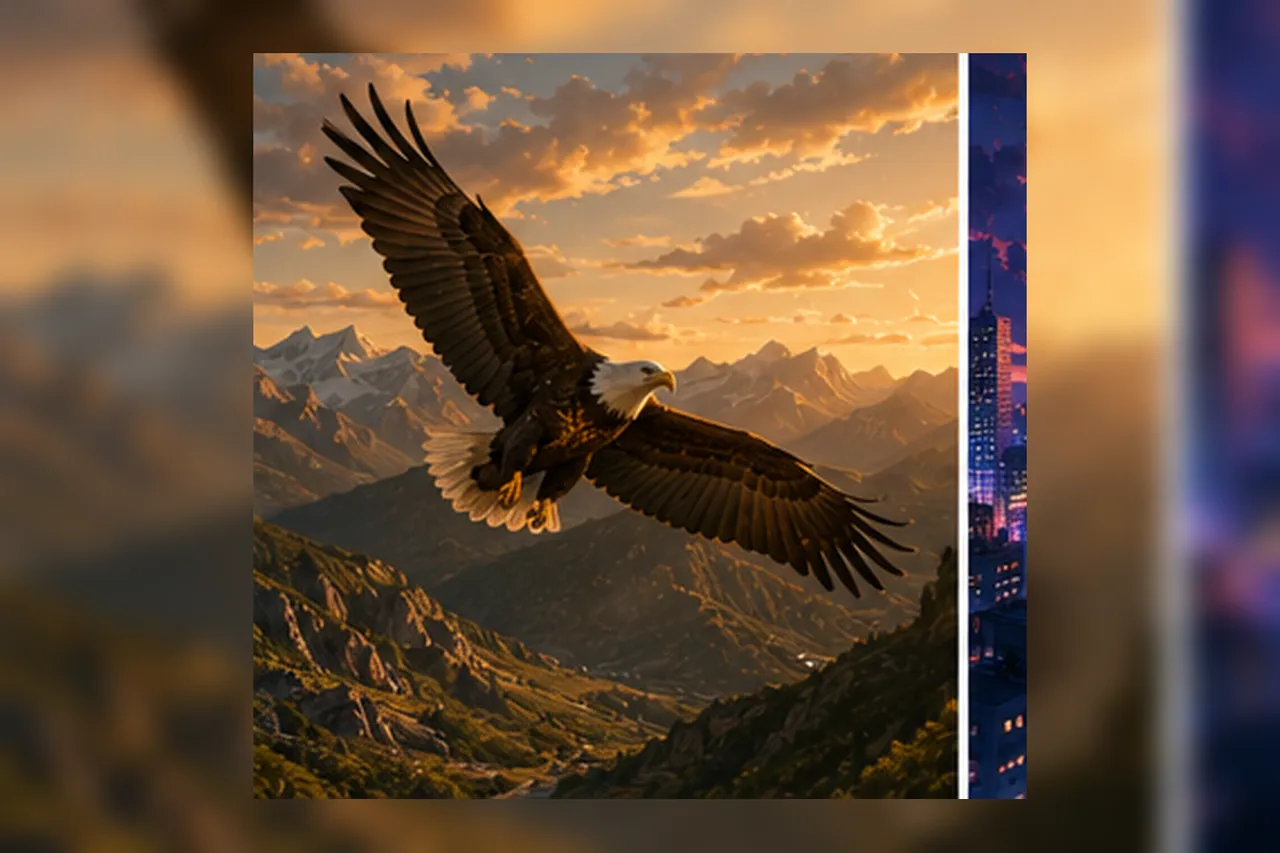
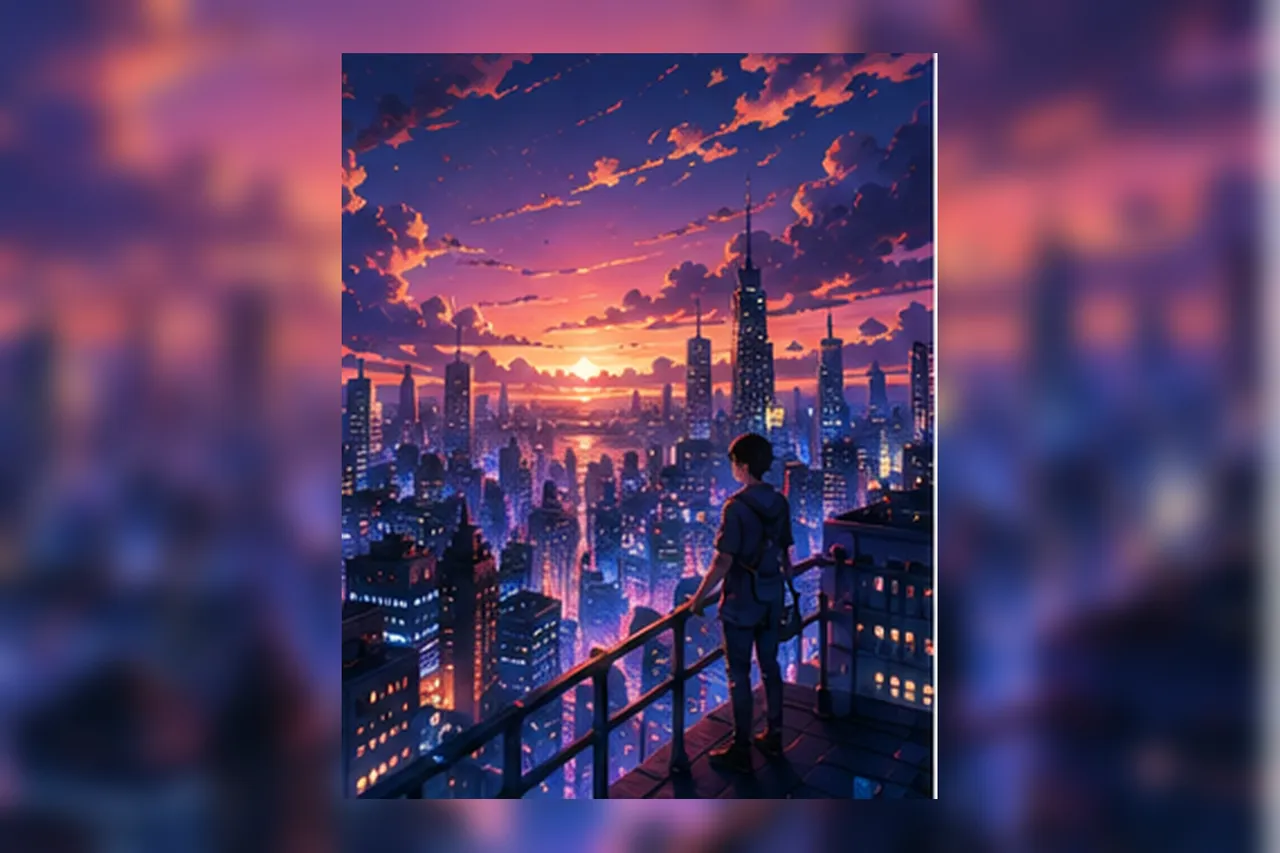
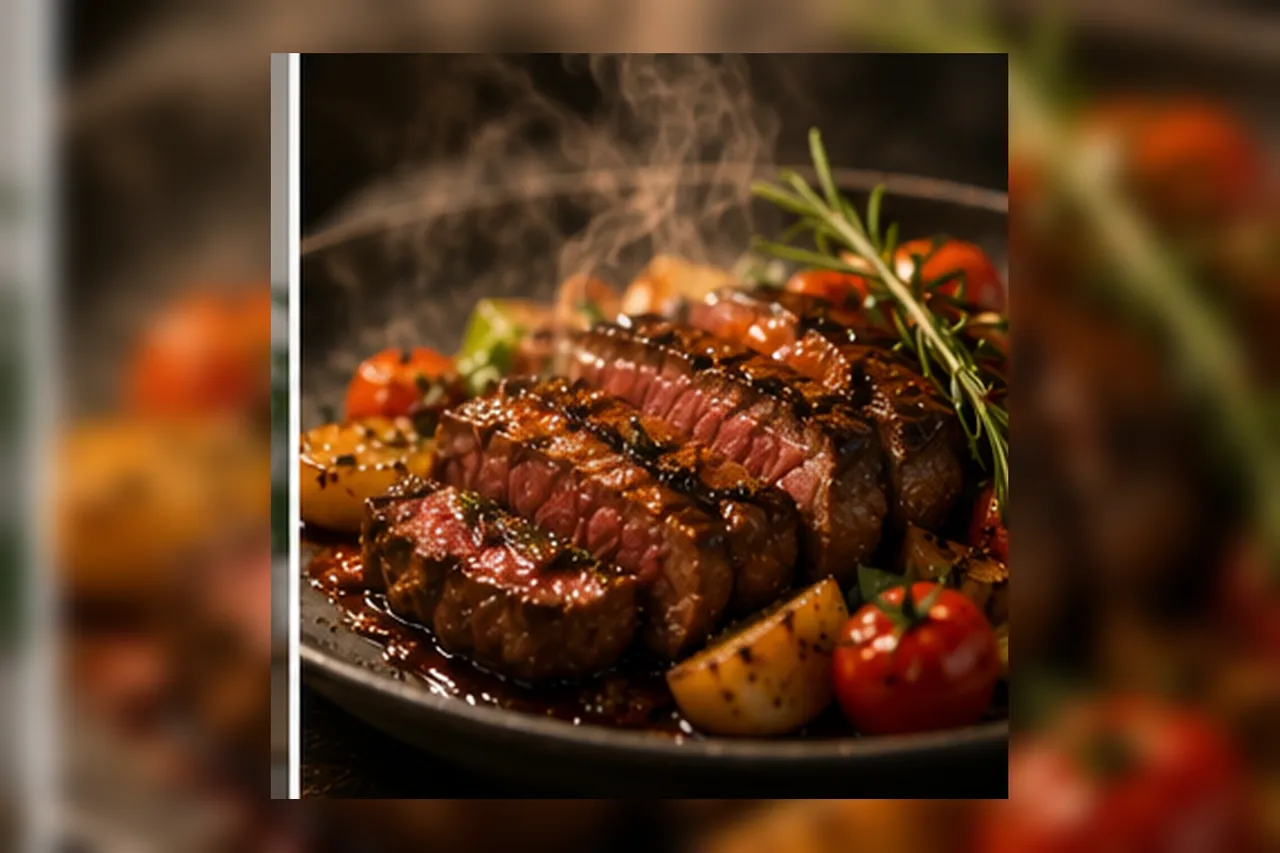
A glimpse of what Happy Horse 1.1 can create — from fashion films to wildlife, every clip is generated from a single prompt with cinematic quality.


Happy Horse 1.1 FAQ
Everything you need to know about the Happy Horse 1.1 AI video generator by Alibaba.
What is Happy Horse 1.1?
Happy Horse 1.1 is the upgraded release of Alibaba's open Happy Horse AI video model. It generates cinematic text-to-video, image-to-video, and reference-to-video clips with native synced audio, up to 9 reference images, smoother motion, and stronger multi-character consistency.
Is Happy Horse 1.1 free to use?
Yes. You can try Happy Horse 1.1 on Tryonr for free — new users get free credits to start generating right away, with affordable pay-as-you-go credits after that.
What is new in Happy Horse 1.1 compared to 1.0?
Happy Horse 1.1 adds native synced audio, smoother and more expressive motion, better multi-character consistency, and improved long-context scene planning, while keeping the open-weight, multi-shot foundation of Happy Horse 1.0.
Is Happy Horse 1.1 open source?
Happy Horse is Alibaba's open AI video model and has been distributed through platforms like Hugging Face, ComfyUI, and Qwen Cloud. On Tryonr you can run Happy Horse 1.1 online with no setup.
Does Happy Horse 1.1 support native audio?
Yes. Audio runs through the same Transformer as the video, so dialogue, sound effects, and music are generated already synced to the picture — there is no separate lip-sync or audio pass.
How many reference images can Happy Horse 1.1 use?
Happy Horse 1.1 accepts up to 9 reference images, and each reference can carry its own dialogue and storyboard timing to keep characters, scenes, and style consistent across shots.
What resolution and length does Happy Horse 1.1 support?
Happy Horse 1.1 outputs 720p and 1080p video with clips from 3 to 15 seconds, supporting text-to-video, image-to-video, and reference-to-video.
How do I use Happy Horse 1.1 for free?
Enter a prompt or upload images in the generator above, choose your settings, and click generate. Your free credits let you create Happy Horse 1.1 videos right away — no credit card needed.
Start Creating with Happy Horse 1.1
Join creators using Happy Horse 1.1 for audio-rich, character-driven AI video with smoother motion and nine-reference control. Try it free on Tryonr today.
Explore More AI Video Tools on Tryonr
Pair Happy Horse 1.1 with our other AI video tools for a complete production workflow.