Kling 3.0 AI 비디오 생성기
쾌수의 Kling 3.0으로 텍스트 프롬프트와 이미지로부터 영화급 AI 비디오를 만드세요. 최대 15초의 멀티샷 시퀀스, 네이티브 오디오, 캐릭터 참조 일관성, 고급 모션 컨트롤을 무료로 체험하세요.
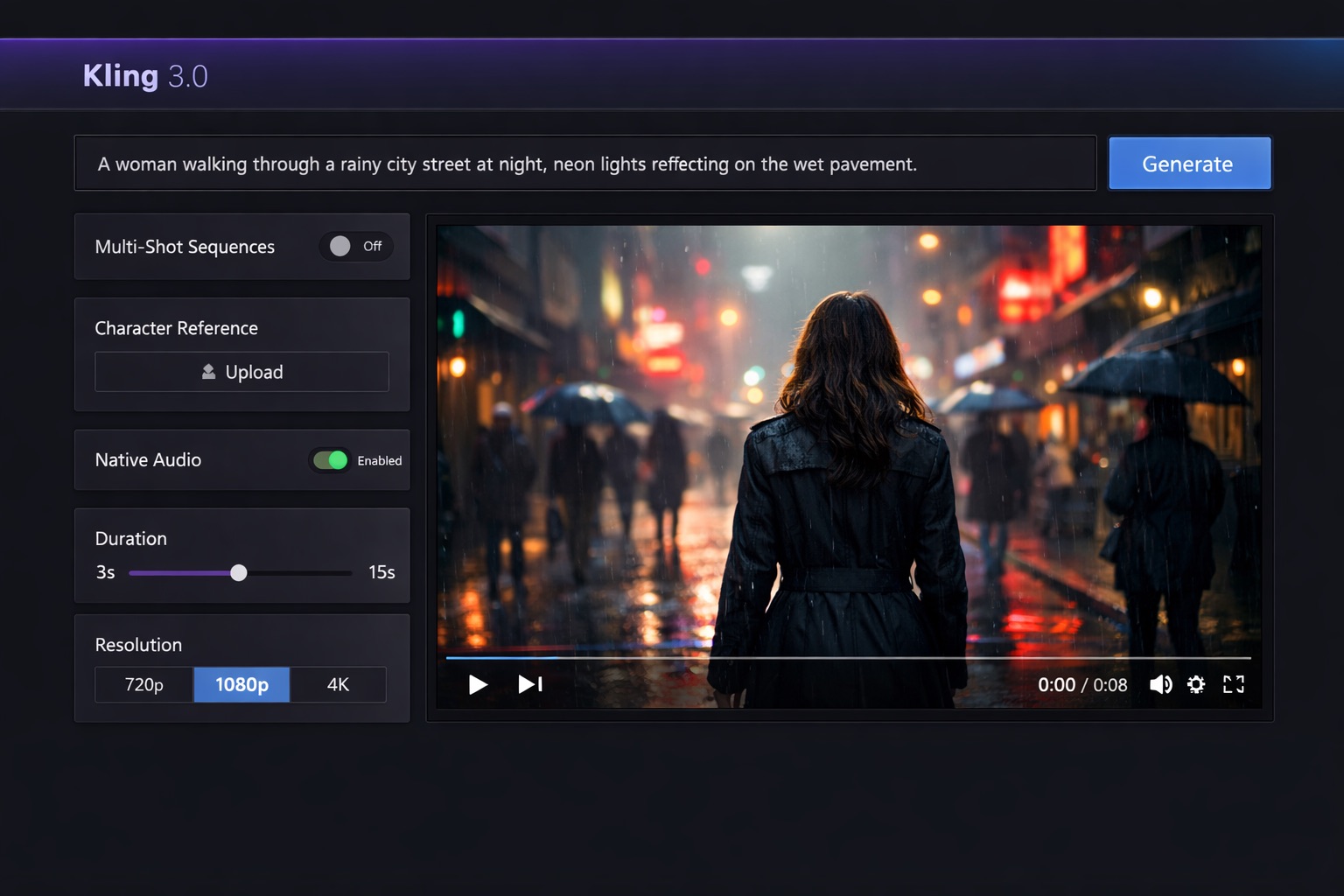
Kling 3.0으로 텍스트 설명에서 비디오 생성
최상의 결과를 위해 모션, 카메라 앵글, 캐릭터 동작, 분위기를 구체적으로 설명하세요
표준 해상도, 빠른 생성
미리보기
프롬프트를 입력하거나 이미지를 업로드하고 생성을 클릭하세요
사용 방법
프롬프트 입력
비디오를 설명하거나 이미지를 업로드
커스터마이즈
재생 시간, 해상도, 오디오 설정
생성
Kling 3.0 AI가 비디오를 생성
Kling 3.0 AI 비디오 쇼케이스
Kling 3.0 AI 비디오 생성기로 무엇을 만들 수 있는지 살펴보세요. 시네마틱 장면부터 멀티샷 캐릭터 일관성까지, 쾌수의 Kling 3.0 비디오 모델의 힘을 경험하세요.
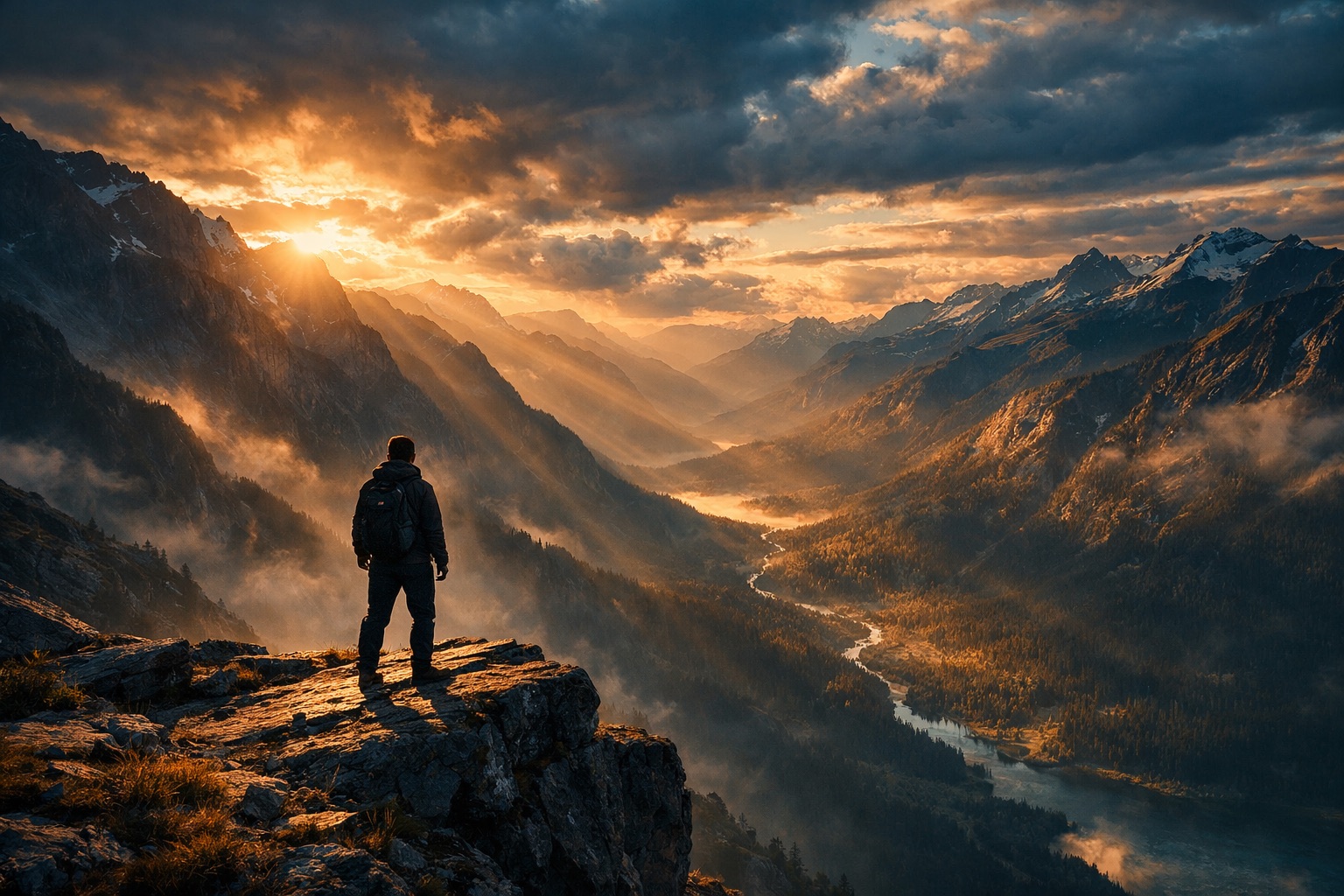
시네마틱 AI 장면
Kling 3.0 • 시네마틱 • AI 비디오
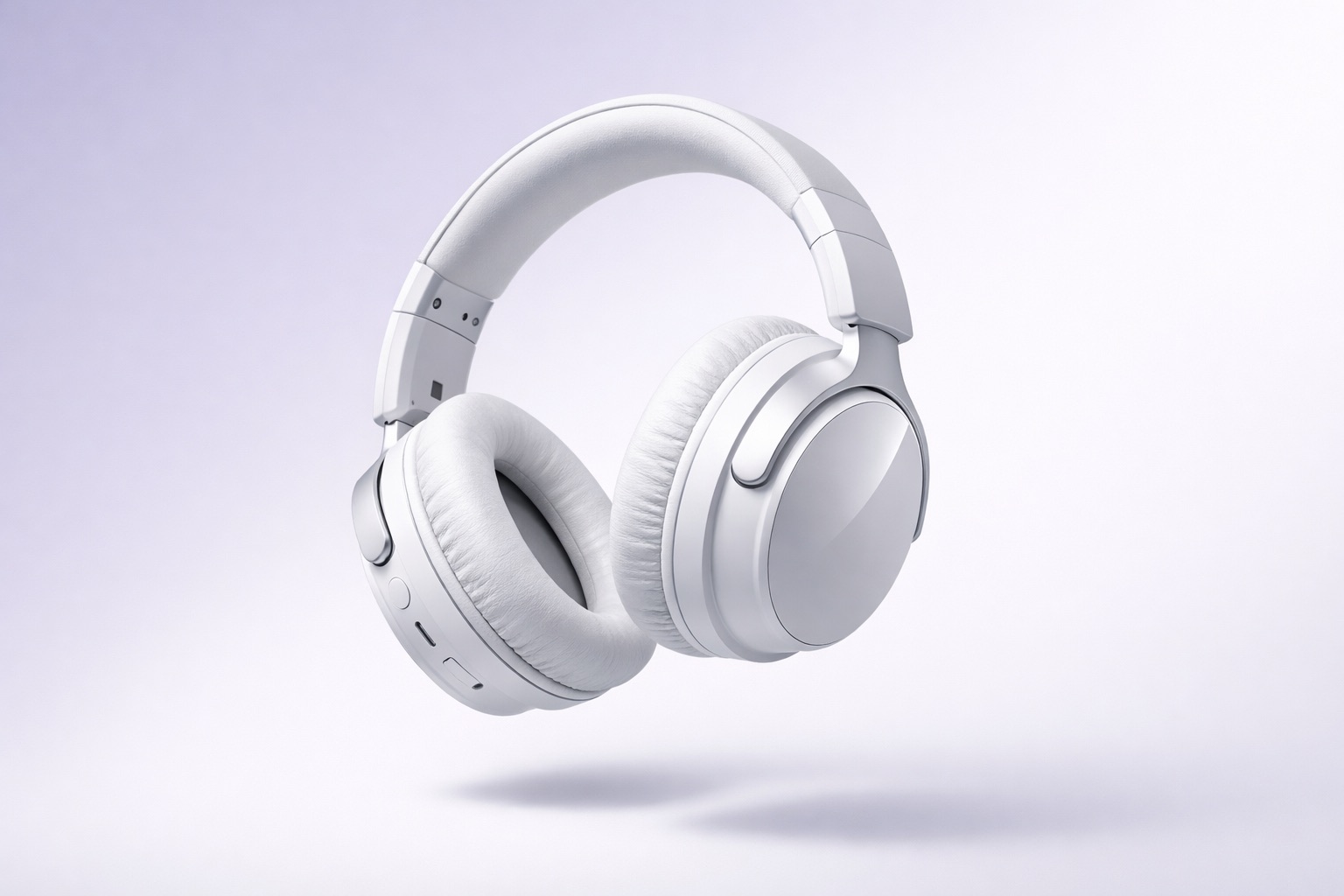
제품 비디오
Kling 3.0 • 제품 • 이커머스
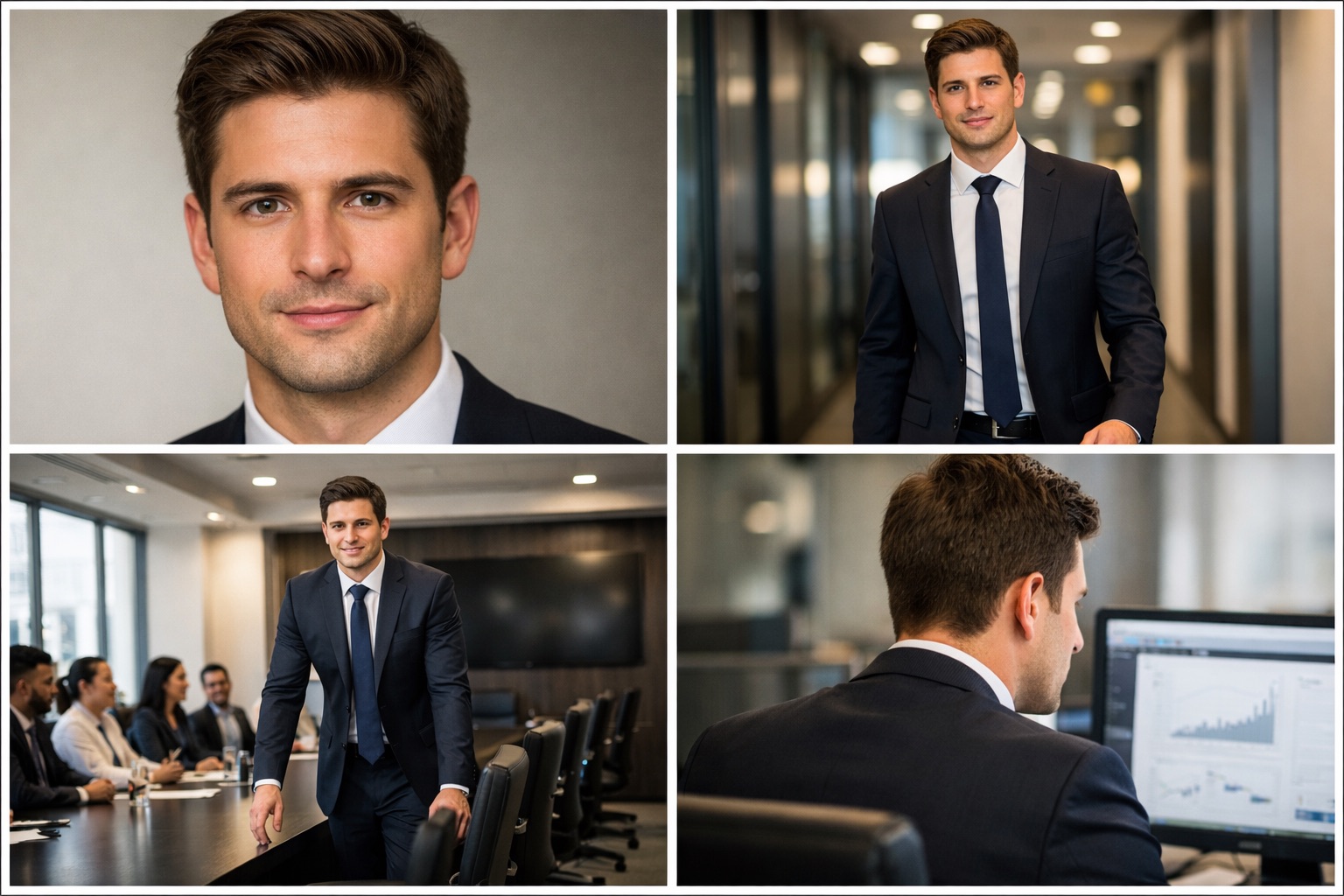
멀티샷 캐릭터 일관성
Kling 3.0 • 멀티샷 • 캐릭터
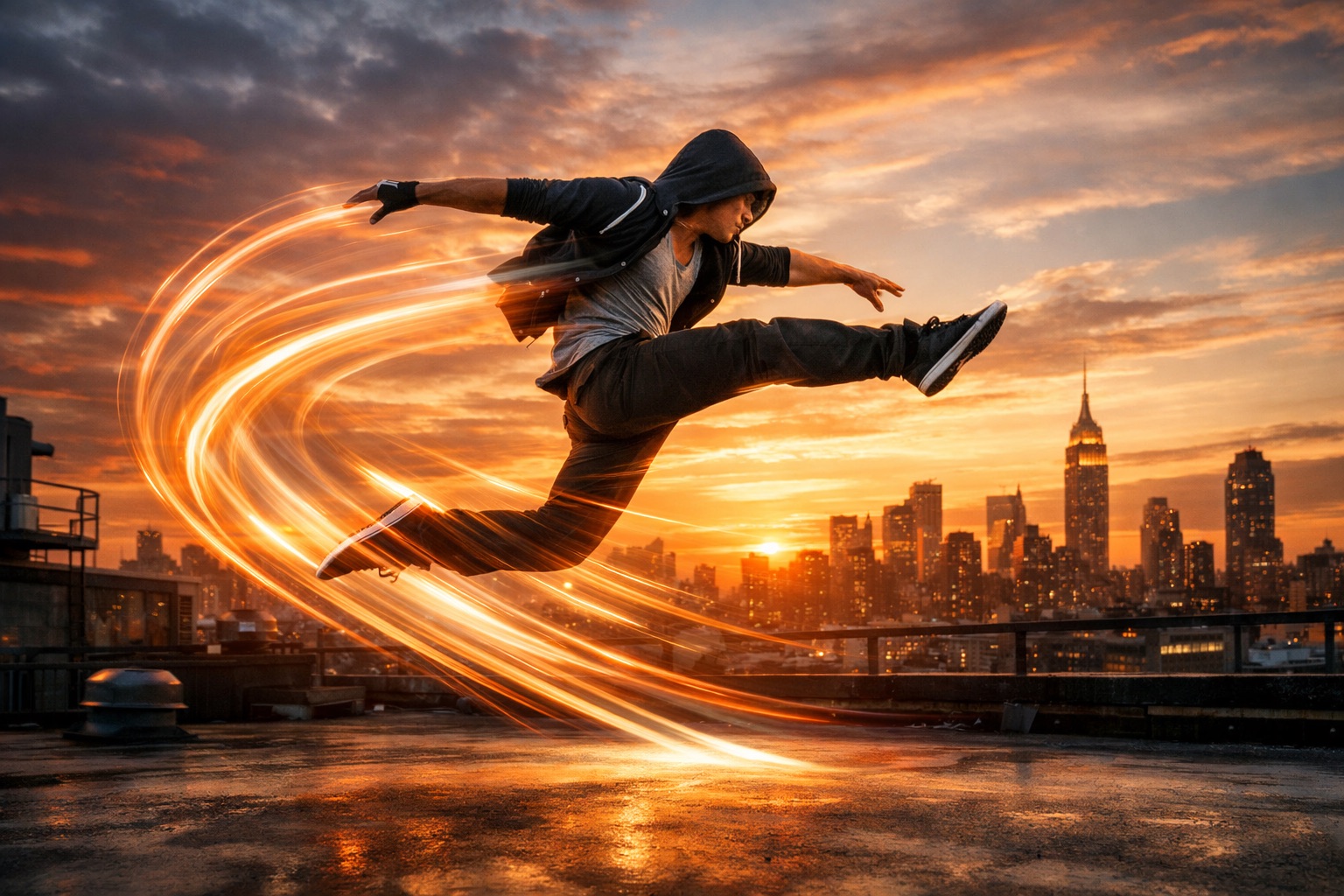
모션 컨트롤 비디오
Kling 3.0 • 모션 컨트롤 • AI
Kling 3.0으로 만들 수 있는 것
이커머스 제품 비디오부터 영화 제작까지, Kling 3.0 AI 비디오 생성기가 멀티샷 시퀀스와 캐릭터 일관성으로 모든 크리에이티브 워크플로를 지원합니다.
이커머스 제품 비디오
Kling 3.0으로 이미지에서 전문적인 제품 쇼케이스 비디오를 생성하세요. AI 비디오 생성기가 아마존 리스팅, 쇼피파이 스토어, 소셜 커머스에 완벽한 역동적인 제품 데모를 만듭니다.
SNS & 숏폼 콘텐츠
Kling 3.0 AI 비디오 생성기로 바이럴 TikTok, Instagram Reels, YouTube Shorts를 만드세요. 최대 15초의 멀티샷 시퀀스로 네이티브 오디오가 포함된 숏폼 비디오 콘텐츠에서 완전한 스토리텔링이 가능합니다.
영화 & 시네마틱 제작
Kling 3.0을 프리비주얼라이제이션, 모션 레퍼런스, 시네마틱 비디오 에셋에 활용하세요. 샷 간 캐릭터 참조 일관성으로 이전에는 불가능했던 프로급 AI 영화 제작이 가능합니다.
UGC & AI 아바타 제작
Kling 3.0에서 비디오 캐릭터를 레퍼런스로 업로드하거나 녹화하여 일관된 AI 아바타 콘텐츠를 만드세요. 장면 간 동일한 캐릭터 음성과 외형을 가진 UGC 스타일 마케팅 비디오에 완벽합니다.
Kling 3.0이란? 쾌수의 차세대 AI 비디오 모델
Kling 3.0은 쾌수의 최신 AI 비디오 생성기 모델로, AI 비디오 생성 기술의 큰 도약을 나타냅니다. Kling 3.0 모델은 최대 15초의 멀티샷 시퀀스, 여러 캐릭터의 네이티브 오디오 생성, 다른 장면과 카메라 앵글에서도 동일한 얼굴과 목소리를 유지하는 혁신적인 캐릭터 참조 일관성을 도입합니다.
Kling 2.6의 성공을 바탕으로, Kling 3.0 AI 비디오 생성기는 캐릭터 참조 업로드 기능을 추가했습니다. 사용자는 비디오 캐릭터를 레퍼런스로 업로드하거나 녹화하여 비디오 프로젝트 전체에서 일관된 음성과 외형을 보장할 수 있습니다.
Kling 3.0 모델은 쾌수의 공식 플랫폼 klingai.com과 Higgsfield.ai, Fal.ai 등의 서드파티 플랫폼에서 이용 가능합니다. 가격은 크레딧 기반으로, 스탠다드 생성은 초당 약 $0.15, 오디오 포함 프로페셔널 모드는 초당 약 $0.28입니다.
Kling 3.0 vs Seedance 2.0 vs Veo 3
Kling 3.0 AI 비디오 생성기가 기능, 품질, 캐릭터 일관성, 가격 면에서 다른 주요 AI 비디오 모델과 어떻게 비교되는지 확인하세요.
| 기능 | Kling 3.0 | Kling 3.0 Omni | Seedance 2.0 | Veo 3 |
|---|---|---|---|---|
| 최대 해상도 | 1080p+ | 1080p+ | 2K (보고값) | 1080p |
| 네이티브 오디오 | 멀티 캐릭터 | 멀티 캐릭터 | 향상됨 | 지원 |
| 멀티샷 | 3-15초 시퀀스 | 3-15초 시퀀스 | 개선됨 | 제한적 |
| 캐릭터 일관성 | 우수 | 우수 | 양호 | 양호 |
| 모션 컨트롤 | 고급 | 고급 + 편집 | 기본 | 기본 |
| 속도 (5초 클립) | 약 90초 | 약 120초 | 약 60초 | 약 120초 |
| 무료 플랜 | 일일 크레딧 | 일일 크레딧 | 무료 액세스 | 대기자 명단 |
| 최적 용도 | 캐릭터 중심 비디오 | 비디오 편집/교체 | 오디오비주얼 제작 | 텍스트에서 비디오 |
Kling 3.0 vs Seedance 2.0
Kling 3.0과 Seedance 2.0은 다른 크리에이티브 니즈에 대응합니다. Kling 3.0 AI 비디오 생성기는 캐릭터 참조 일관성, 멀티샷 시퀀스, 고급 모션 컨트롤에 뛰어납니다. Seedance 2.0은 네이티브 2K 해상도와 오디오-비디오 동시 생성 속도에서 앞서갑니다.
Try Seedance 2.0 →Kling 3.0 vs Veo 3
Google의 Veo 3는 고품질 텍스트에서 비디오 생성에 집중합니다. Kling 3.0 AI 비디오 생성기는 멀티샷 시퀀스, 캐릭터 참조 업로드, 네이티브 멀티 캐릭터 오디오 등 더 고급 기능을 제공합니다.
Kling 3.0 vs Kling 3.0 Omni
Kling 3.0 Omni는 Kling 3.0의 확장 편집 모드로, 표준 Kling 3.0 생성 기능 위에 비디오 소스 교체와 이미지 참조 편집 기능을 추가합니다.
Kling 3.0 AI 비디오 생성기를 선택하는 이유
쾌수의 Kling 3.0은 멀티샷 캐릭터 일관성과 네이티브 오디오로 혁신적인 AI 비디오 생성을 실현합니다.
멀티샷 시퀀스 (3-15초)
Kling 3.0은 최대 15초의 멀티샷 비디오 시퀀스를 생성합니다. 이전 10초 제한에서 크게 업그레이드되어 단일 AI 비디오 생성으로 완전한 스토리텔링과 복잡한 내러티브가 가능합니다.
멀티 캐릭터 네이티브 오디오
Kling 3.0 AI 비디오 생성기는 여러 캐릭터 음성을 동시에 포함하는 동기화된 오디오를 생성합니다. 네이티브 오디오 생성으로 AI가 비주얼 콘텐츠에 맞는 리얼한 대화와 효과음을 만듭니다.
캐릭터 참조 일관성
Kling 3.0에서 비디오 캐릭터를 레퍼런스로 업로드하거나 녹화하여 다른 장면에서도 동일한 얼굴, 음성, 외형을 유지합니다. 카메라 전환과 컷 간의 캐릭터 일관성이 Kling 3.0의 혁신적인 기능입니다.
시네마틱 품질 출력
Kling 3.0은 텍스트, 이미지, 레퍼런스 파일에서 포토리얼리스틱하고 영화 품질의 비디오 클립을 생성합니다. AI 비디오 모델은 카메라 움직임, 조명, 장면 구도에 대한 상세한 지시를 따릅니다.
고급 모션 컨트롤
Kling 3.0은 정밀한 모션 컨트롤 기능을 제공합니다. 인간의 움직임과 카메라 전환을 AI 생성 비디오에 전달합니다. 멀티샷 시퀀스 간의 모션 일관성이 이전 버전에서의 주요 진보입니다.
Kling 3.0 Omni 편집 모드
Kling 3.0 Omni 변형은 소스 교체와 이미지 참조 편집을 포함한 비디오 편집 기능을 추가합니다. 표준 비디오 생성을 넘어서는 고급 포스트 프로덕션 워크플로에 활용하세요.
Kling 3.0 AI 비디오 생성기 사용법
3단계로 Kling 3.0을 사용하여 프로페셔널 AI 비디오를 만드세요. 캐릭터 일관성 있는 멀티샷 시퀀스를 생성합니다.
텍스트 입력 또는 이미지 업로드
원하는 비디오를 설명하는 텍스트 프롬프트를 입력하거나 레퍼런스 이미지를 업로드하세요. Kling 3.0 AI 비디오 생성기는 텍스트에서 비디오와 이미지에서 비디오 생성을 모두 지원합니다.
Kling 3.0 설정 커스터마이즈
해상도, 재생 시간(최대 15초), 화면 비율을 선택하세요. 일관된 멀티샷 Kling 3.0 비디오 출력을 위해 네이티브 오디오 생성과 캐릭터 참조를 활성화하세요.
AI 비디오 생성 & 다운로드
생성을 클릭하면 Kling 3.0이 약 90초 만에 동기화된 오디오가 포함된 멀티샷 비디오를 만듭니다. AI 비디오를 다운로드하여 어디서든 공유하세요.
Kling 3.0 요금 플랜
무료 일일 크레딧으로 Kling 3.0에서 AI 비디오 만들기를 시작하세요. 비디오 생성 니즈에 맞는 플랜을 선택하세요.
AI 가상 피팅, 이미지 및 동영상 제작을 위한 유연한 크레딧
모든 유료 옵션은 상업적 이용을 지원하며 기본적으로 Tryonr 표시형 플랫폼 워터마크가 없습니다. Starter에서도 이미지 및 동영상 도구를 사용할 수 있습니다. 고급 동영상 모델은 일반적으로 더 많은 크레딧을 사용하므로 Creator 또는 Pro를 권장합니다.
Starter
연 $95.88 일시 결제
이미지 제작과 가끔 하는 동영상 생성용
포함 사항
- 상업적 이용 가능
- 크레딧 2배: 7,200/년 (매월 600 지급)
- Tryonr 관리 기록과 저장소에서 생성 결과 영구 삭제
- 지원되는 모든 AI 이미지 도구 이용
- AI 동영상 생성 지원(고급 모델은 일반적으로 더 많은 크레딧 사용)
- HD 내보내기, 기본적으로 Tryonr 표시형 플랫폼 워터마크 없음
- 생성 실패 시 크레딧 자동 환불
- 매월 지급되는 크레딧은 지급일로부터 12개월간 유효
- 크레딧 비용 약 60% 절약
Creator
연 $191.88 일시 결제
전문 크리에이터와 빈번한 동영상 생성용
포함 사항
- 상업적 이용 가능
- 크레딧 2배: 19,200/년 (매월 1,600 지급)
- 지원되는 모든 AI 이미지 도구 이용
- 고급 모델을 포함한 모든 지원 AI 동영상 도구
- 빈번한 고급 동영상 생성을 위한 추가 크레딧
- HD 내보내기, 기본적으로 Tryonr 표시형 플랫폼 워터마크 없음
- 생성 실패 시 크레딧 자동 환불
- 매월 지급되는 크레딧은 지급일로부터 12개월간 유효
- 크레딧 비용 약 60% 절약
Pro
연 $383.88 일시 결제
빈번한 제작과 대량 콘텐츠 제작용
포함 사항
- 상업적 이용 가능
- 크레딧 2배: 40,800/년 (매월 3,400 지급)
- 지원되는 모든 AI 이미지 도구 이용
- 지원되는 모든 AI 동영상 도구 이용
- HD 내보내기, 기본적으로 Tryonr 표시형 플랫폼 워터마크 없음
- 생성 실패 시 크레딧 자동 환불
- 매월 지급되는 크레딧은 지급일로부터 12개월간 유효
- 크레딧 비용 약 60% 절약


첫 구독 구매 후 3일 이내이며 포함된 크레딧의 30% 이하를 사용한 경우 환불 대상이 될 수 있습니다. 환불 정책 보기
Kling 3.0에 대해 자주 묻는 질문
쾌수의 Kling 3.0 AI 비디오 생성기에 대해 알아야 할 모든 것.
Kling 3.0 AI 비디오 생성기로 시작하세요
멀티샷 캐릭터 일관성 AI 비디오 생성에 Kling 3.0을 사용하는 수천 명의 크리에이터에 합류하세요. Tryonr에서 Kling 3.0과 기타 강력한 AI 비디오 도구를 지금 체험하세요.
Tryonr의 더 많은 AI 도구 탐색
Kling 3.0 AI 비디오 생성을 다른 크리에이티브 AI 도구와 결합하여 완전한 제작 워크플로를 구현하세요.